Key takeaways
- Most productivity failures are a mismatch with the tool, not a shortage of tools.
- Pick for fit with how you already work. Feature count is the worst possible selection criterion.
- The right tool disappears into the workflow. If you are managing the tool, you chose wrong.
AI Task Management Tools Compared: The Short Version
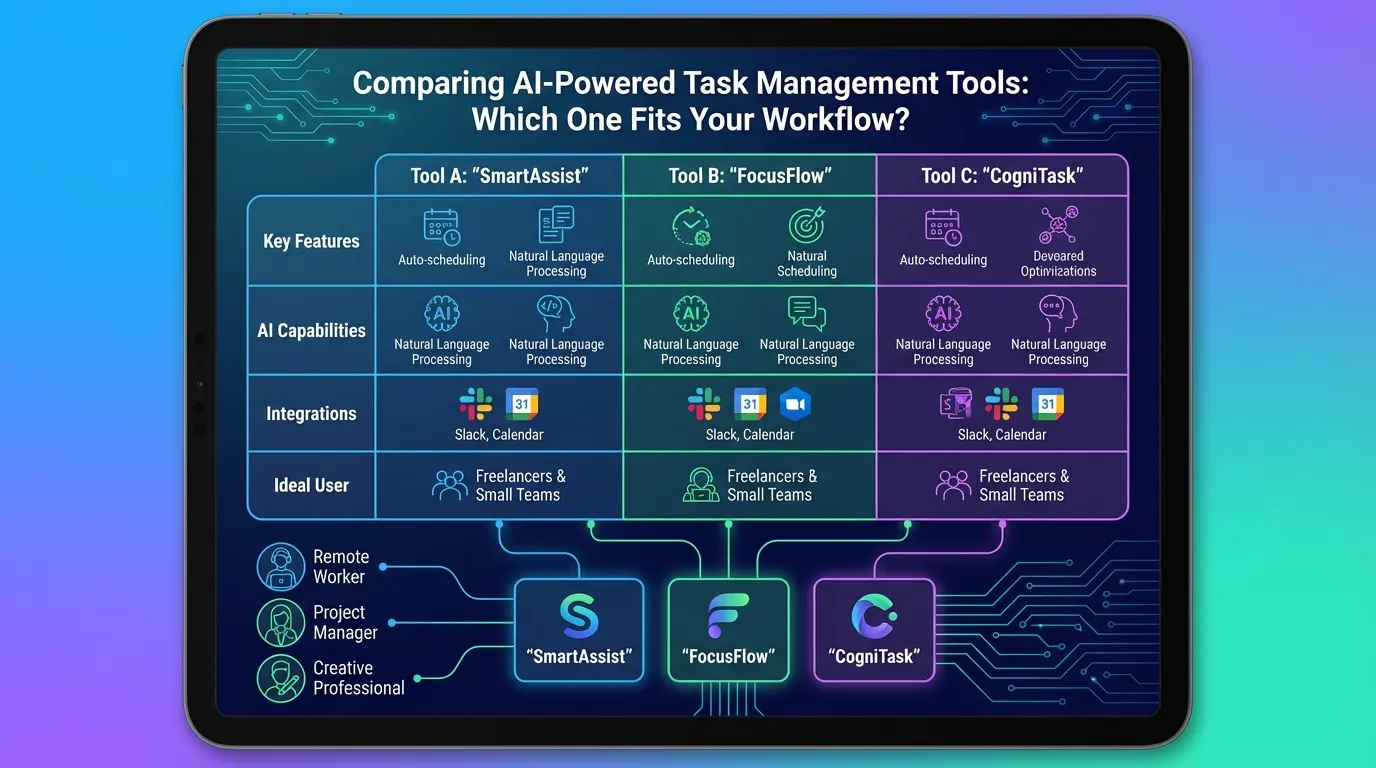
Most people do not need another app. They need one that matches how they already work. An AI task manager that is perfect for a cross-functional team can slow down a solo worker who just needs quick capture and a plan for today, and the reverse is just as true.
This comparison covers eight tools: Motion, Morgen, Sunsama, Akiflow, Notion, Asana, ClickUp and FocusBox. Every price and feature below was checked on the vendor’s own site in September 2026. Prices change often, so treat them as a snapshot and check before you buy.
Quick Reference Table
| Tool | What the AI does | Price (vendor site, September 2026) | Best for |
|---|---|---|---|
| Motion | Plans your day automatically and reshuffles the plan when interruptions happen | Pro AI $19/seat/month billed monthly; Business AI $29/seat/month billed monthly; annual billing saves 33% | People who want the AI to decide when work happens |
| Morgen | AI Planner suggests a daily plan that is only scheduled with your approval | No free plan; Pro $30/month billed monthly or $15/month billed yearly | Planners who want suggestions but keep the final say |
| Sunsama | Guided daily planning and shutdown, plus “AI + MCP + Zapier” on Pro | No free plan; Pro $22/month billed monthly or $17/month billed yearly | People who overcommit and want a daily planning ritual |
| Akiflow | Aki AI assistant, universal inbox, time blocking | Pro $34/month billed monthly or $19/month billed yearly | Power users pulling tasks from many apps |
| Notion | Notion Agent, AI Meeting Notes, Autofill for databases | Free plan with an AI trial; full Notion AI on the Business plan (price varies by region, see notion.com/pricing) | Teams that live in docs and custom databases |
| Asana | AI Teammates, Asana Dash and AI Studio automations | Free Personal plan for up to 2 users; Starter $10.99/user/month billed annually or $13.49 billed monthly | Project managers running cross-team work |
| ClickUp | ClickUp Brain add-on: AI Assign & Prioritize, AI Notetaker, AI Automations | Free Forever plan; Unlimited $7/user/month billed annually; Brain AI add-on $9/user/month billed monthly or $7.20 billed annually | Teams that want one workspace for tasks, docs and AI |
| FocusBox | AI to-do list and project generators, AI time blocking around imported Google Calendar events | Free plan; Premium plan with a 3-day free trial (see focusbox.io/pricing) | Individuals, including people with ADHD, who want structure and focus sessions |
Who Each Tool Suits
Motion: hands-off scheduling
Motion’s AI task manager “automatically plans your day with your most important tasks, telling you exactly what to work on and when,” and when interruptions happen it “reshuffles your plan instantly” (usemotion.com/features/ai-task-manager, September 2026). It connects to Google Calendar, Outlook, Zoom, Google Meet and Gmail, with more apps through Zapier. Pro AI is $19 per seat per month billed monthly and Business AI is $29 per seat per month billed monthly, with 33% off for annual billing and a free trial (usemotion.com/pricing, September 2026).
Suits: people with meeting-heavy calendars who are happy to let software place their tasks. Watch out for: if you like deciding your own order of work, a plan that moves on its own can feel like losing control.
Morgen: AI suggestions, your approval
Morgen’s AI Planner builds a daily plan from your tasks and calendar, but “suggested plans are only scheduled with your approval,” and it flags conflicts so you can reprioritize (morgen.so/ai-planner, September 2026). It connects Google Calendar, Outlook, Microsoft 365, iCloud and Fastmail calendars, and pulls tasks from Notion, Todoist, Linear, ClickUp, Obsidian, Google Tasks, Microsoft To-Do and Zoho. There is no free plan: Pro is $30 per month billed monthly or $15 per month billed yearly, after a 14-day free trial (morgen.so/pricing, September 2026).
Suits: people who want time blocking with a helper, not an autopilot.
Sunsama: a daily planning ritual
Sunsama is built around planning your day “with intention” and a “Daily shutdown” that helps you “End work on time, without guilt” (sunsama.com, September 2026). It integrates with Google Calendar, Outlook Calendar, Gmail, Todoist, ClickUp, Trello, Asana, Notion and Slack. AI is a smaller part of the pitch: the Pro plan lists “AI + MCP + Zapier.” Pro costs $22 per month billed monthly or $17 per month billed yearly, with a 14-day trial and no free plan (sunsama.com/pricing, September 2026).
Suits: people who pile too much onto each day and want a routine that makes them choose.
Akiflow: capture from everywhere
Akiflow collects tasks into a universal inbox, lets you capture with Cmd+K, and describes itself as a time-blocking planner (akiflow.com, September 2026). Native integrations include Slack, Gmail, Notion, Asana, ClickUp, Trello, Todoist, Jira, GitHub, Microsoft Teams, Linear, Microsoft To Do, Google Calendar and Outlook (akiflow.com/integrations, September 2026). Pro is $34 per month billed monthly or $19 per month billed yearly, with a 7-day trial; it includes the Aki AI assistant, while the AI Meeting Assistant is a separate $19 per month add-on (akiflow.com/pricing, September 2026).
Suits: keyboard-driven users juggling many inboxes. Watch out for: it is one of the pricier personal tools.
Notion: AI inside your workspace
Notion AI can take notes in meetings that “transcribe conversations, summarize key points,” and Autofill can populate database properties (notion.com/product/ai, September 2026). The Free and Plus plans include only a trial of Notion AI; the full set (Notion Agent, AI Meeting Notes, Enterprise Search in beta) comes with the Business plan, with up to 20% off when billed yearly; the price shown depends on your region (notion.com/pricing, September 2026).
Suits: teams that already keep docs, wikis and projects in Notion. Watch out for: it is a workspace you build, so expect setup time before it works as a task manager.
Asana: AI for team projects
Asana’s paid plans include AI Teammates, Asana Dash (“your AI chief of staff”) and AI Studio for building automations such as task intake and routing (asana.com/product/ai, September 2026). The Personal plan is free for up to 2 users; Starter is $10.99 per user per month billed annually or $13.49 billed monthly, and Advanced is $24.99 billed annually or $30.49 billed monthly. AI use is metered, with a limited number of requests and AI Studio credits per plan (asana.com/pricing, September 2026).
Suits: project managers coordinating work across teams. Watch out for: it is more system than a solo worker usually needs.
ClickUp: everything app with an AI add-on
ClickUp’s AI (ClickUp Brain) is sold as an add-on. Named features include AI Assign & Prioritize, AI Notetaker, AI Fields, AI Automations and Enterprise Search. Base plans: Free Forever, Unlimited at $7 per user per month billed annually ($10 monthly), Business at $12 billed annually ($19 monthly). Brain AI adds $9 per user per month billed monthly or $7.20 billed annually, and Everything AI is $28 monthly or $22.40 annually. The page lists 50+ native integrations (clickup.com/pricing, September 2026).
Suits: teams that want tasks, docs and AI in one place. Watch out for: the AI costs extra on top of the seat price, and the setup can be a lot for one person.
FocusBox: structure and focus for individuals
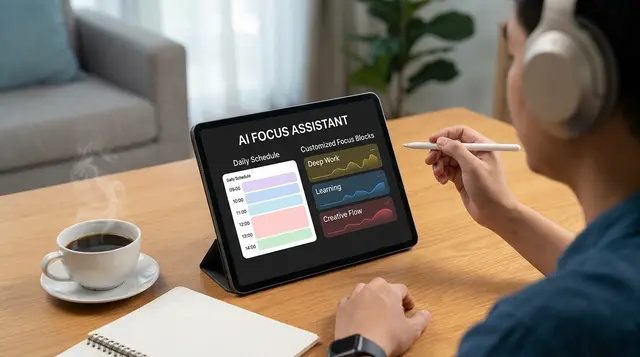
FocusBox is an AI to-do list and focus app designed with ADHD in mind. What it does:
- AI to-do list and project generators: type a goal in plain text and get tasks and subtasks back.
- AI time blocking around the events you import from Google Calendar.
- Timers, Pomodoro and templates for focus sessions, with reminders and alarms.
- Ambient sounds you pick and a full-screen focus mode that keeps only the current task in view.
- Reports, productivity insights and an energy audit, plus celebrations when you finish work.
- Task import from Todoist, Asana, ClickUp, Notion and Jira.
- Runs on the web, iPhone and iPad.
There is a free plan (1 completed task, 1 project, 1 AI credit per month) and a Premium plan with a 3-day free trial (focusbox.io/pricing, October 2026); current prices in your currency are on the pricing page.
Honest limits: FocusBox is built for individual focus, not team project management. It has no team dependency graphs, it does not automatically reschedule your day when things slip (you adjust the plan yourself), and it has no chat integrations such as Slack or Microsoft Teams. If you need any of those, Motion, Asana or ClickUp will serve you better.
Suits: solo workers, timeboxers and people with ADHD who want a clear plan for today and a calm place to do the work.
When AI Task Management Helps, and When Manual Is Better
AI does not have to run your whole system. A hybrid usually works best: let the tool handle the repetitive planning and keep judgment calls for yourself.
Let AI do more when:
- The work is repetitive and high-volume, like recurring admin, follow-ups and routine reports.
- Mistakes from forgetting are common or costly.
- Planning itself eats the time you meant to spend on the work.
Keep it manual when:
- The task needs creativity or judgment, like brainstorming, strategy or a sensitive client conversation.
- Your priorities change by the hour, so any automated plan is out of date before lunch.
- The workflow happens rarely, so setting up automation costs more than it saves.
Two patterns are worth designing around whichever tool you choose. First, switching is expensive: in Gloria Mark’s observations of office workers, interrupted work was resumed, on average, 23 minutes and 15 seconds later. Very few people multitask well; in one driving simulator study, just 2.5% of 200 participants showed no performance decline. A tool that gives you one task per time block beats one that surfaces everything at once.
Second, breaks matter. A meta-analysis of 22 study samples found that micro-breaks gave small but significant boosts to vigor and reduced fatigue, though their effect on overall performance was not significant, and longer breaks helped performance more. Timers and reminders can prompt a break, but they cannot make you take it, so set intervals you will actually follow.
How to Choose
- Start with your main problem. Too many inputs: Akiflow. Overplanning: Sunsama. No time to plan: Motion. Team coordination: Asana or ClickUp. Trouble starting and staying on one task: FocusBox or Morgen.
- Decide how much control you want. Motion moves your plan for you; Morgen and FocusBox leave the final say with you.
- Check what you already use. If your tasks live in Todoist, Asana, ClickUp, Notion or Jira, pick a tool that imports from them rather than starting over.
- Price the AI, not just the seat. On ClickUp the AI is an add-on, on Notion the full AI needs the Business plan, and on Asana AI use is metered.
- Trial through a bad week. Most of these tools offer a free plan or a 7 to 14 day trial.
Frequently Asked Questions
What matters most when choosing an AI task manager?
Fit with how you already work. Most productivity failures are a mismatch with the tool rather than a shortage of features.
Are more features better?
Usually not. A tool you spend time configuring is competing with the work it was meant to support.
How long should I trial one?
Long enough to include a bad week. Tools look good in the first enthusiastic days and reveal themselves under pressure.
Sources
- Too Many Interruptions at Work? (Gallup Business Journal)
- Few drive well while yakking on cell phones; Yet 1 in 40 are ‘supertaskers’ who can do both (ScienceDaily, University of Utah)
- “Give me a break!” A systematic review and meta-analysis on the efficacy of micro-breaks (PLOS ONE)