Easily Time Track Your Asana Tasks with FocusBoxElevate Your Productivity with Timeboxed Sessions
Professionals and teams managing tasks in Asana can now boost their focus and productivity through the seamless integration with FocusBox. This integration is independently created and not affiliated with or supported by Asana.
- Free plan, no card needed
- Web and iPhone, always in sync
- Built for ADHD brains
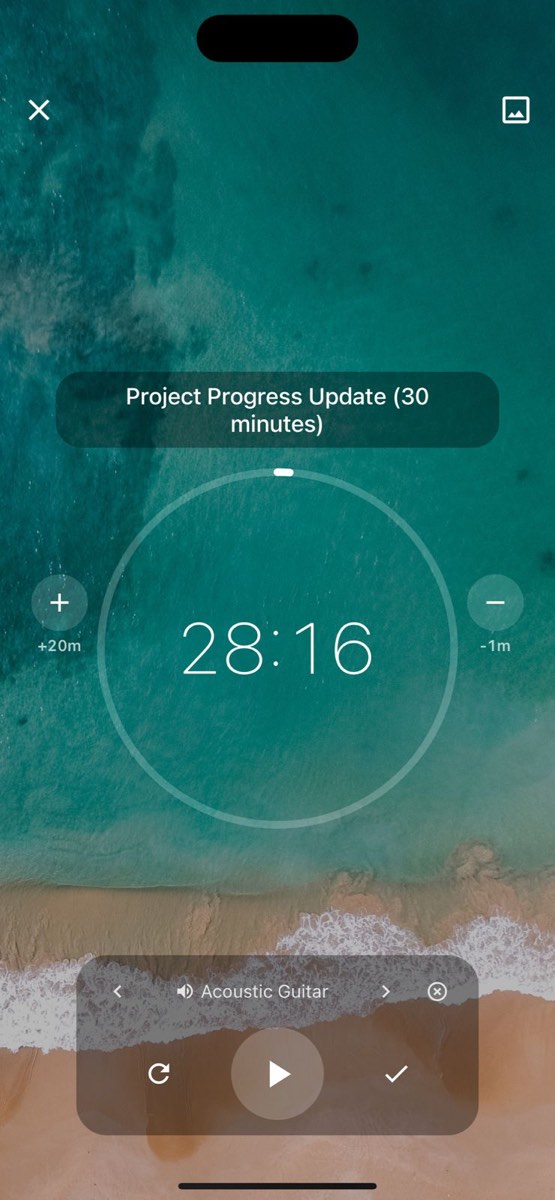
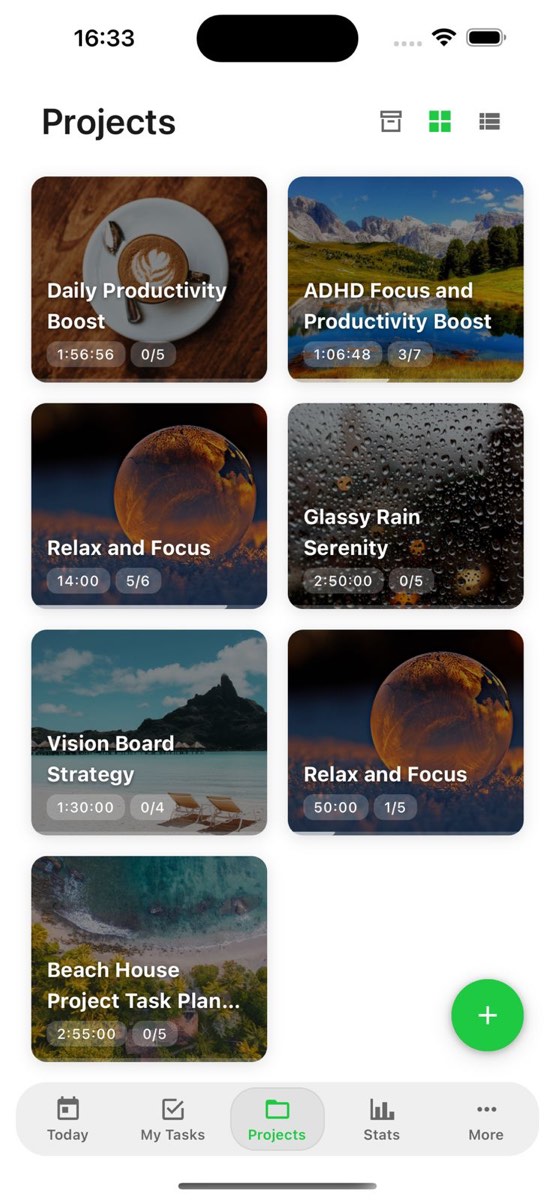
Advantages of Integrating Asana with FocusBox
Efficient, Focused, Productive, Task-driven, Motivated
Elevate Your Productivity with Timeboxed Sessions
Overwhelmed by numerous tasks and responsibilities?
FocusBox enables users to prioritize effectively, reducing distractions and enhancing productivity.
Struggling to stay motivated and focused?
With ambient sounds and timeboxing, FocusBox creates a stimulating environment that keeps you engaged and productive throughout your work sessions.

Maximize Efficiency with FocusBox and Asana
Efficient, Focused, Productive, Task-driven, Motivated
Elevate Your Productivity with Timeboxed Sessions
Finding it hard to track progress and measure productivity?
FocusBox provides insightful metrics and progress tracking, allowing you to monitor your productivity and stay on top of your goals.
Dealing with procrastination and missing deadlines?
FocusBox's integrated Pomodoro timers and task management features help you overcome procrastination and meet deadlines efficiently.


Frequently Asked Questions
How do I connect Asana to FocusBox?
Go to Settings, select Integrations, and click Connect Asana. You will be redirected to Asana to authorize FocusBox. Once authorized, your Asana tasks will automatically sync to FocusBox.
What data syncs between Asana and FocusBox?
FocusBox imports your tasks, due dates, and project assignments from Asana. You can then organize them into focused timeboxed sessions with timers and ambient sounds.
Is my Asana data secure when using FocusBox?
Yes. FocusBox uses OAuth 2.0 for secure authentication and never stores your Asana password. All data is encrypted in transit and at rest. You can revoke access at any time from your Asana settings.
Do I need a paid plan to use the Asana integration?
The Asana integration is available on all FocusBox plans, including the free plan. Free plan users can import tasks and are limited to one project and one completed task. Upgrade to Pro for unlimited projects and advanced features.
Can I sync tasks back to Asana from FocusBox?
Currently, the integration is a one-way import from Asana to FocusBox. This allows you to focus on your tasks in a distraction-free environment while keeping your Asana workspace intact.
Will my Asana tasks update automatically in FocusBox?
Yes, your tasks sync automatically when you open FocusBox. You can also manually trigger a sync from the Integrations page to pull the latest changes from Asana.
Can I select which Asana projects to import?
Yes, after connecting your Asana account, you can choose which projects and workspaces to import tasks from. This gives you full control over which tasks appear in FocusBox.
What if I disconnect Asana from FocusBox?
If you disconnect the integration, your previously imported tasks will remain in FocusBox, but no new tasks will sync. You can reconnect at any time to resume syncing.