Enhanced FocusBox to Google Calendar IntegrationTurn Calendar Events into Focused Timeboxed Sessions
Professionals managing their schedule in Google Calendar can now boost their focus and productivity through the seamless integration with FocusBox. This integration is independently created and not affiliated with or supported by Google.
Advantages of Integrating Google Calendar with FocusBox
Efficient, Focused, Productive, Organized, Motivated
Turn Calendar Events into Focused Timeboxed Sessions
Overwhelmed by back-to-back meetings and events?
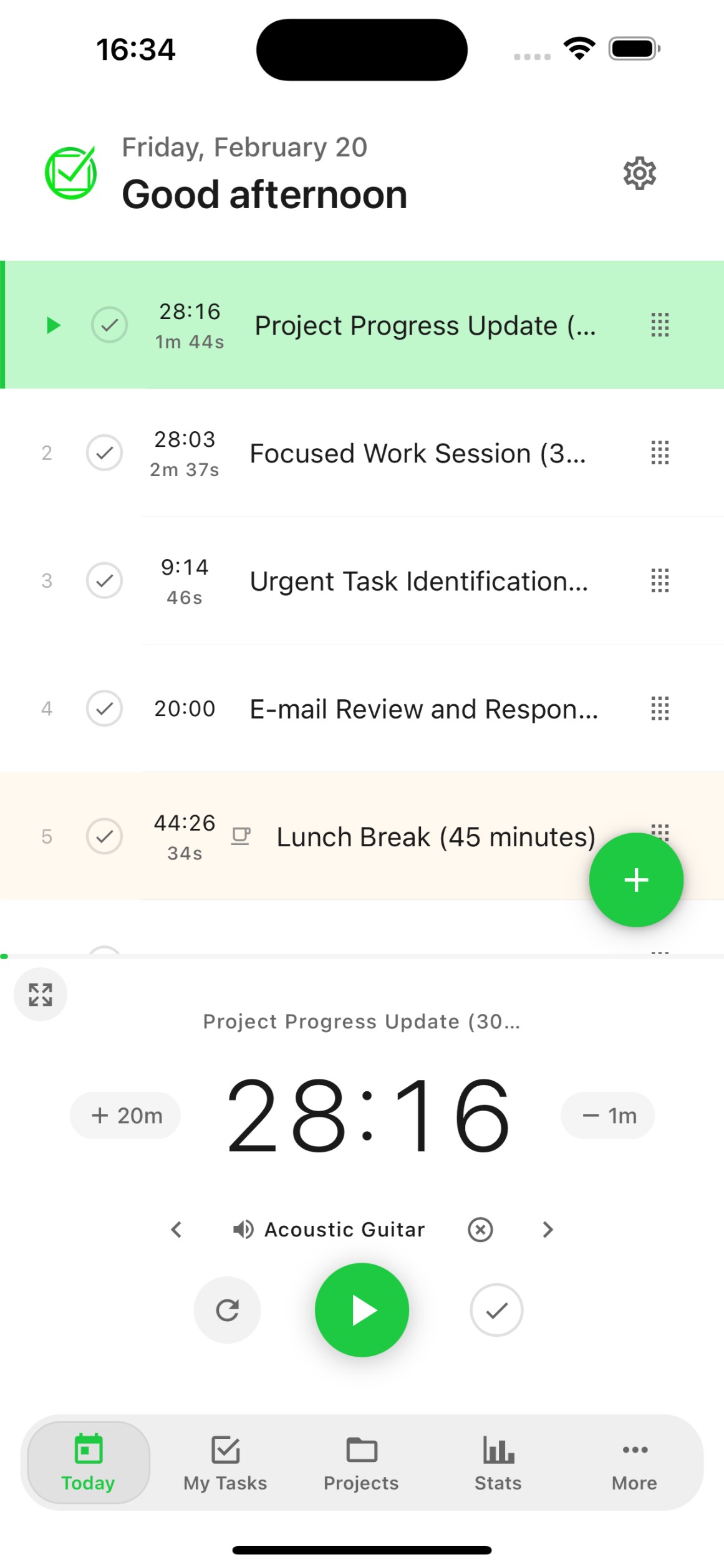
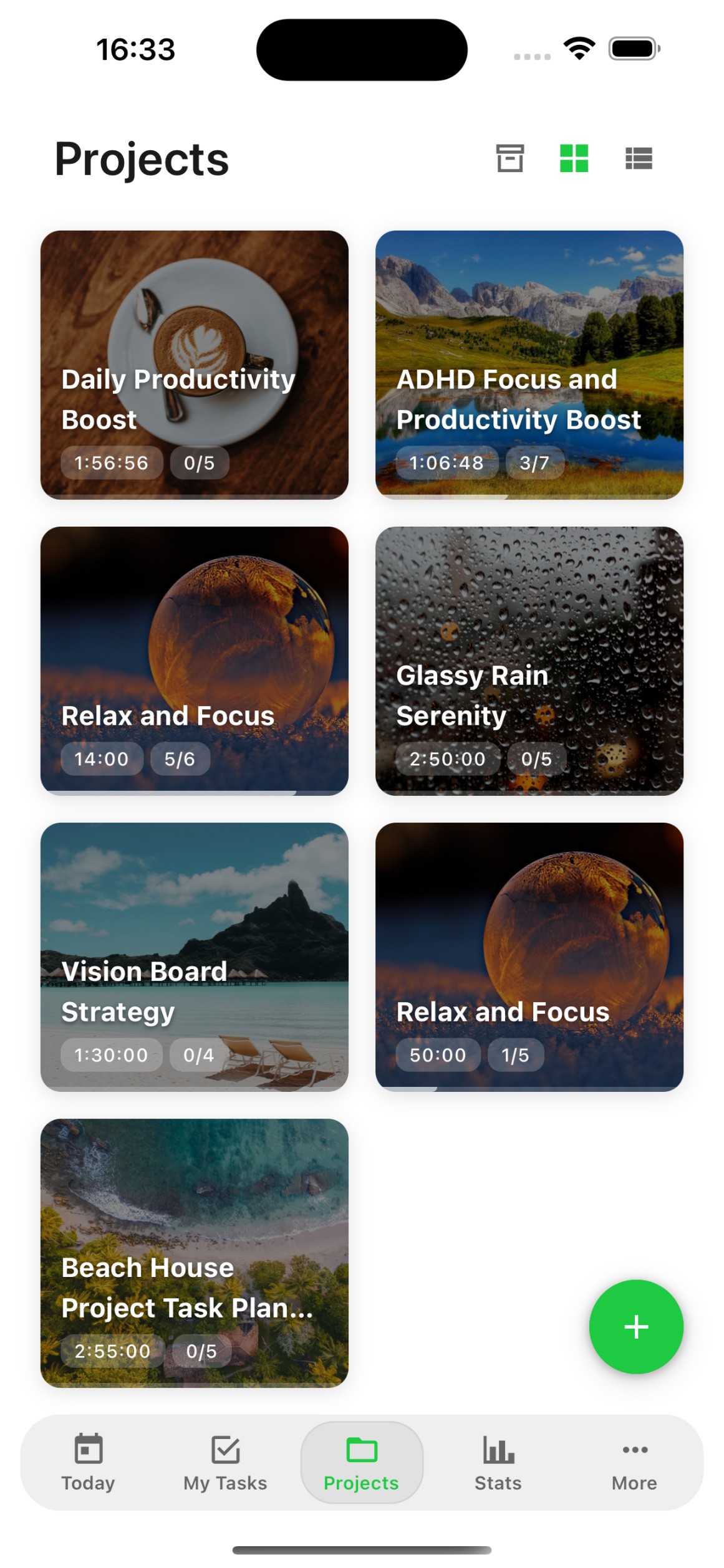
FocusBox enables you to organize your calendar events into focused work sessions, reducing context switching and enhancing productivity.
Struggling to find deep focus time in your schedule?
With ambient sounds and timeboxing, FocusBox creates dedicated focus blocks between your calendar events, helping you get more done.
Maximize Efficiency with FocusBox and Google Calendar
Efficient, Focused, Productive, Organized, Motivated
Turn Calendar Events into Focused Timeboxed Sessions
Finding it hard to track how you spend your time?
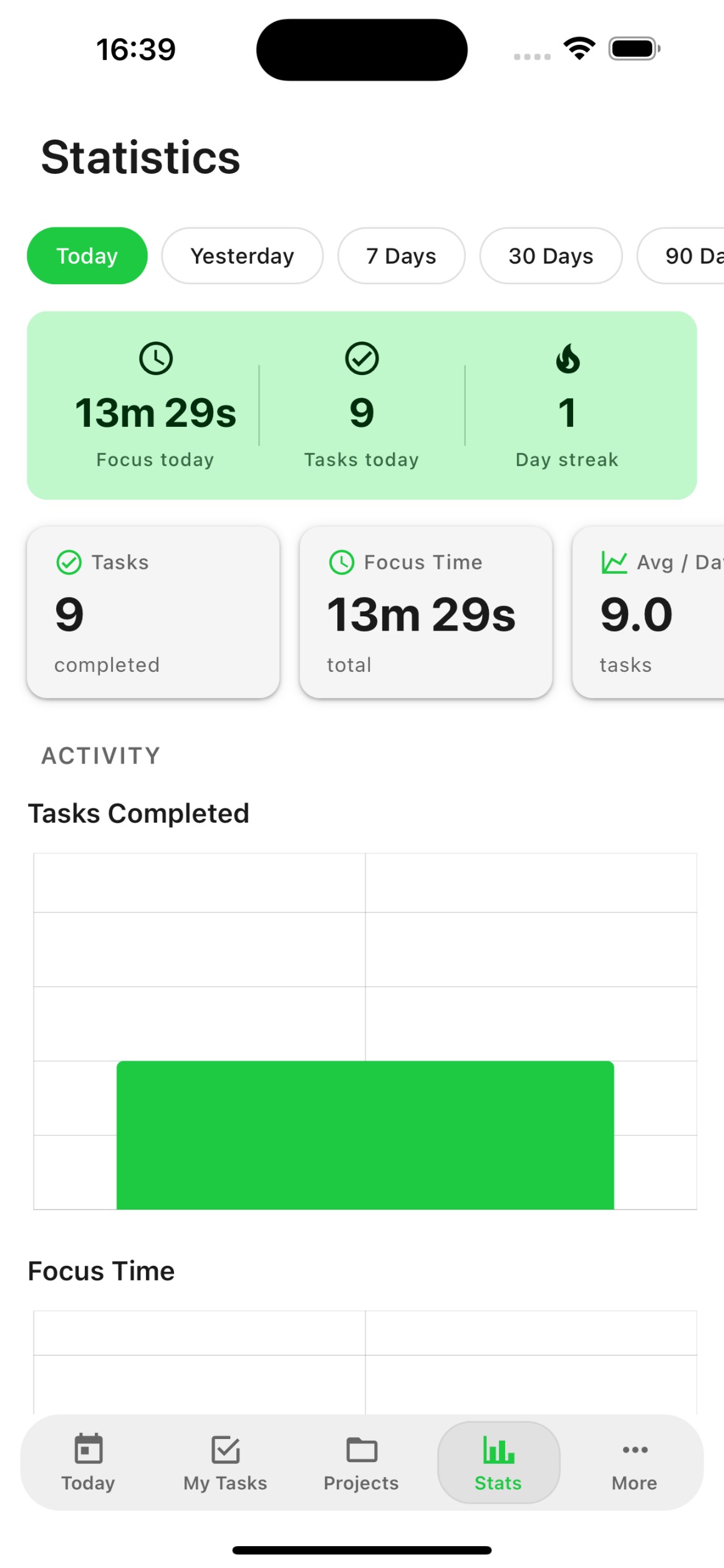
FocusBox provides insightful metrics on your focus sessions, helping you understand your productivity patterns and optimize your schedule.
Dealing with an overloaded calendar and missed priorities?
FocusBox's integrated Pomodoro timers and task management features help you prioritize what matters and work through your schedule efficiently.
Frequently Asked Questions
How do I connect Google Calendar to FocusBox?
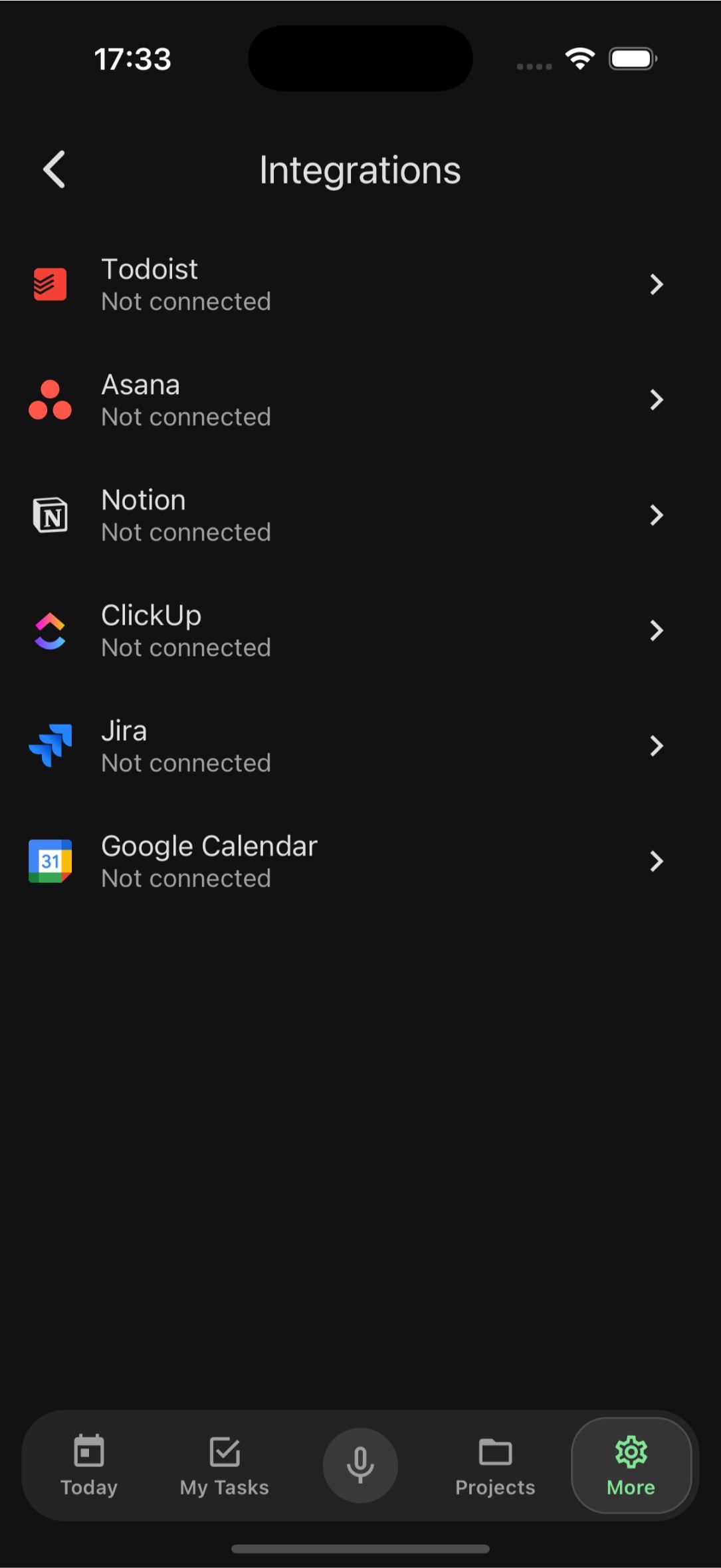
Go to Settings, select Integrations, and click Connect Google Calendar. Sign in with your Google account and grant FocusBox permission to read your calendar events. Your events will then appear as tasks in FocusBox.
What calendar data does FocusBox import?
FocusBox imports your calendar events including titles, times, dates, and descriptions. Events are converted into tasks that you can organize into focused timeboxed sessions.
Can I import from multiple Google Calendars?
Yes, after connecting your Google account, you can select which calendars to import from. This includes personal calendars, shared calendars, and subscribed calendars.
Is my Google Calendar data secure?
Yes. FocusBox uses Google OAuth 2.0 for secure authentication and only requests read access to your calendars. All data is encrypted in transit and at rest. You can revoke access from your Google account settings.
Do I need a paid plan to use Google Calendar integration?
The Google Calendar integration is available on all FocusBox plans. Free plan users can import tasks into one project and complete one task. Upgrade to Pro for unlimited projects and advanced features.
How often do calendar events sync?
Events sync automatically when you open FocusBox. You can also manually trigger a sync to pull the latest calendar changes. New and updated events will appear in your task list.
Can I time-block my calendar events in FocusBox?
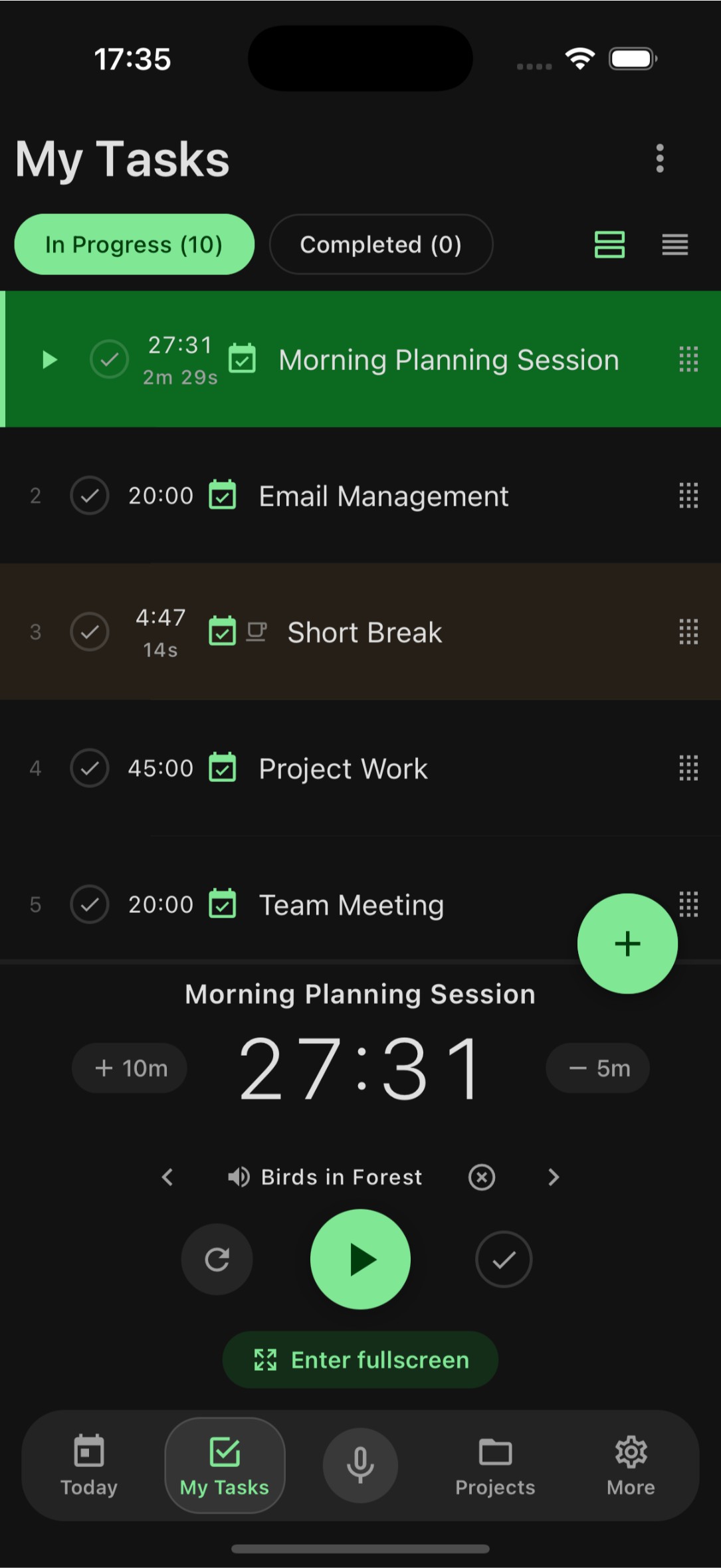
Yes! Once your events are imported, you can assign durations and use FocusBox timers to work through them sequentially. Combine with ambient sounds for deep focus during each time block.
Does FocusBox modify my Google Calendar?
No. FocusBox only reads your calendar events and does not write back or modify anything in Google Calendar. Your calendar remains exactly as it is.
Start for free. No credit card needed.