Remember running tasks with gentle audio reminders.
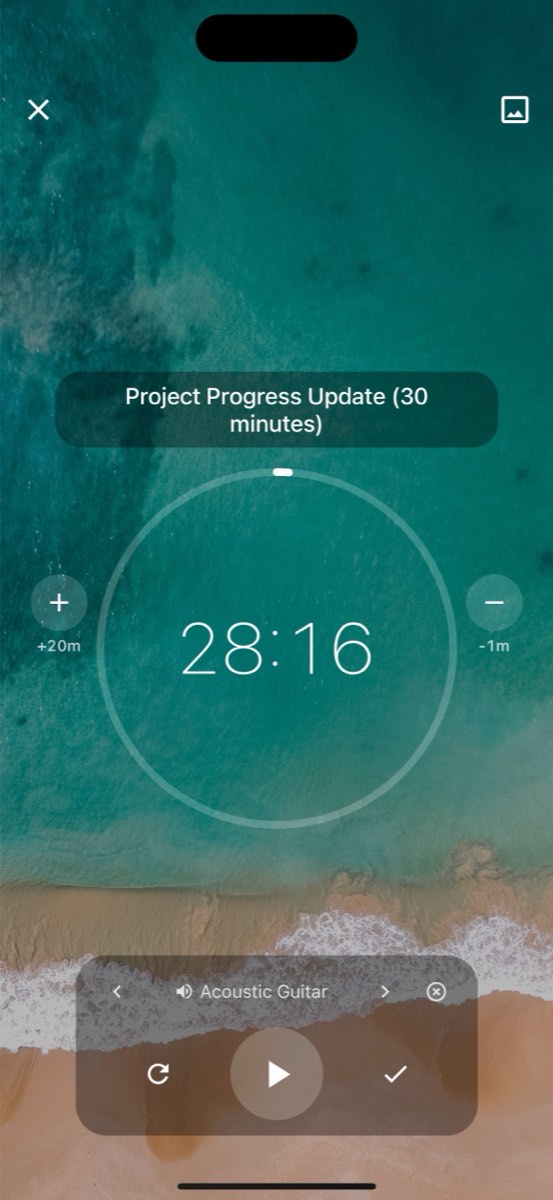
Play a sound after every number of minutes to remind you the timer is on and running.
- Free plan, no card needed
- Web and iPhone, always in sync
- Built for ADHD brains
Frequently Asked Questions
What are chimes in FocusBox?
Chimes are audio notifications that play at specific intervals during your focus sessions. They gently remind you of the passage of time without breaking your concentration.
How do I set up chimes?
Go to Settings and select Chimes. Choose your preferred chime sound and set the interval at which you want it to play. You can set chimes to play every 5, 10, 15, or 30 minutes.
What chime sounds are available?
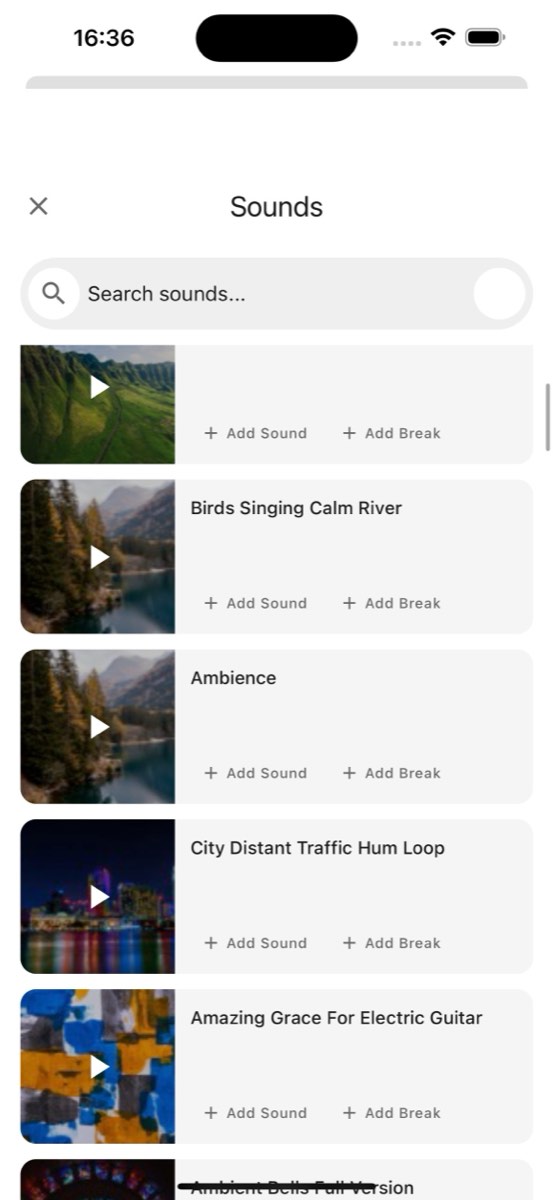
FocusBox offers a variety of chime sounds including soft bells, meditation bowls, gentle tones, and nature sounds. Choose the one that feels most natural and non-disruptive for your work.
Can I use chimes with the Pomodoro timer?
Yes. Chimes can play during Pomodoro work intervals to help you stay aware of time passing. They complement the end-of-session alarm by providing gentle time awareness throughout your session.
Can I adjust the chime volume?
Yes. Chime volume can be adjusted independently from your alarm and ambient sound volumes. Set it to a subtle level that keeps you aware without causing distraction.
Do chimes work with ambient sounds?
Yes! Chimes layer seamlessly over ambient sounds. The chime will play briefly over your chosen soundscape, then the ambient sounds continue. They are designed to blend well together.
Can I disable chimes during certain tasks?
Yes. You can turn chimes on or off from Settings at any time. This gives you full control over your audio environment during different types of work.
Are chimes available on the free plan?
Yes! Chime features are included on all FocusBox plans, including the free plan. Customize your chime sounds and intervals to create your ideal work rhythm.