Alarms to get notifiedwhen time is up.
Set audio and visual Alarms for when all tasks are completed.
- Free plan, no card needed
- Web and iPhone, always in sync
- Built for ADHD brains
Frequently Asked Questions
What are alarms in FocusBox?
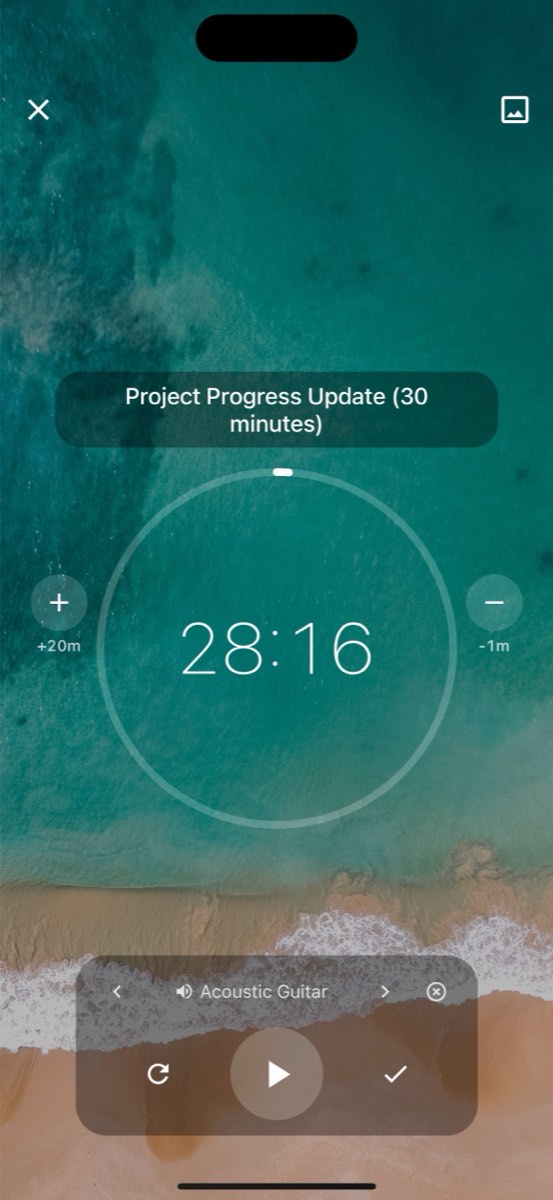
FocusBox alarms notify you when a task timer ends or when a scheduled task is about to start. They help you stay on schedule and transition smoothly between tasks.
How do I set up alarms?
Alarms are automatically tied to your task timers. When you set a duration for a task, an alarm will sound when the time is up. You can customize alarm sounds in Settings.
Can I choose different alarm sounds?
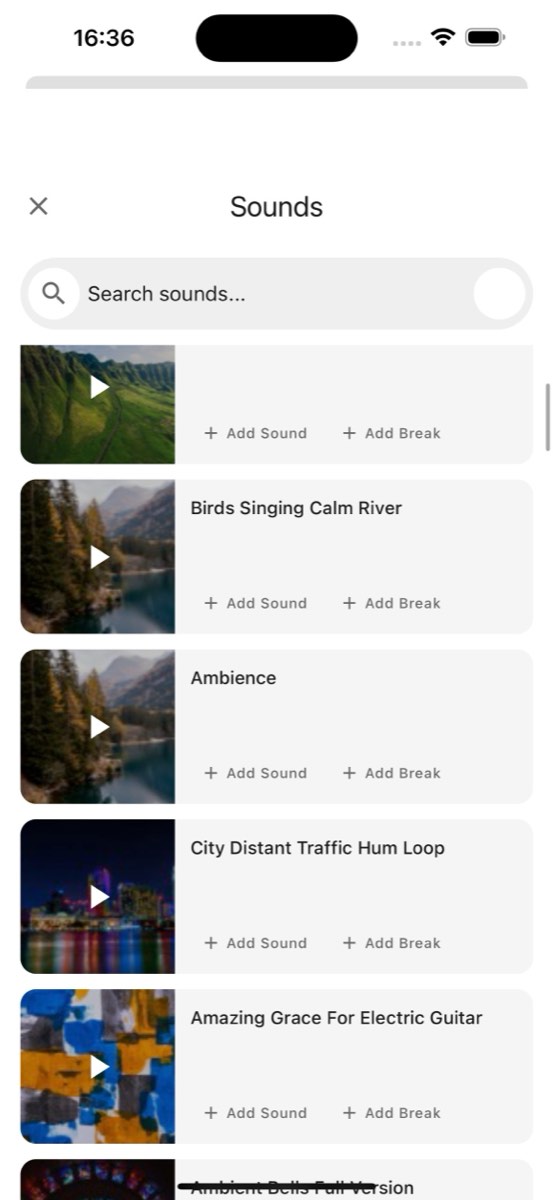
Yes. FocusBox offers multiple alarm sounds to choose from. Select the one that works best for you in the Settings page. Sounds range from gentle chimes to more noticeable alerts.
Do alarms work with Pomodoro timers?
Yes. When using Pomodoro sessions, alarms sound at the end of each work interval and break period. This helps you follow the Pomodoro rhythm without constantly watching the clock.
Can I mute alarms temporarily?
Yes. You can mute alarms from the Settings page or adjust the volume. This is useful during meetings or when you need silent work sessions.
Do alarms work on mobile?
Yes. FocusBox alarms work on the iOS app, sending notifications when your timer ends. Make sure notifications are enabled in your device settings for the best experience.
Will alarms disturb others in shared spaces?
You can set alarm volume to a comfortable level or use headphones. FocusBox also offers gentle, non-intrusive alarm sounds that are effective without being disruptive.
Are alarms available on the free plan?
Yes! Alarm features are included on all FocusBox plans, including the free plan. Customize your alarm sounds and volume to match your preferences.