From Flexible Pages to Structured Focus SessionsCraft Study Blocks or Creative Sprints with Ease
Writers, designers, students, and planners who organise projects in Notion can now turn check-boxes into crisp time-boxes. FocusBox operates independently and is not affiliated with Notion Labs.
What Makes the Combo Powerful?
Organised, Inspired, Consistent, Reflective, Momentum-driven
Craft Study Blocks or Creative Sprints with Ease
Endless Notion Pages Blur Today’s Priorities
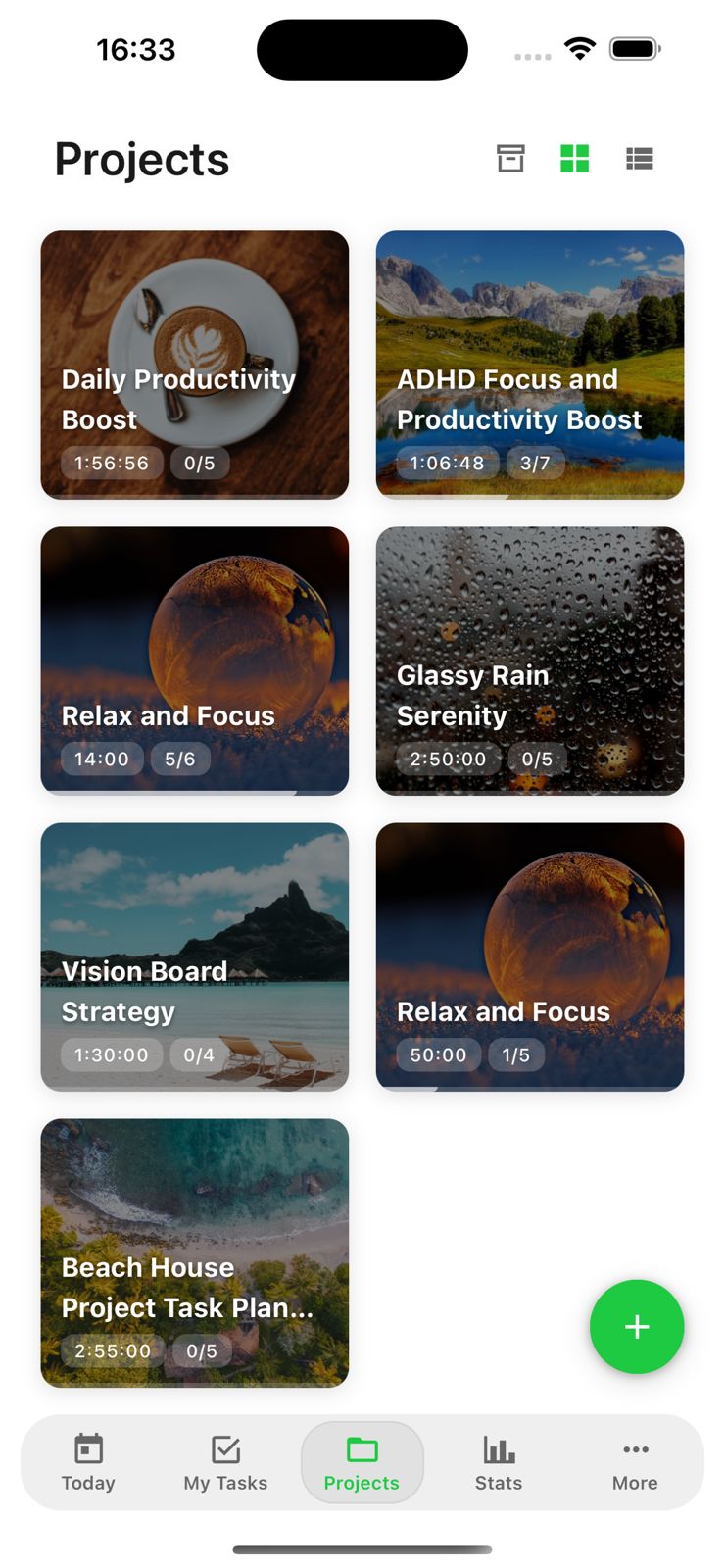
FocusBox surfaces just today’s tasks, replacing overwhelm with clarity.
Long Study or Creative Sessions Drift Off-Course
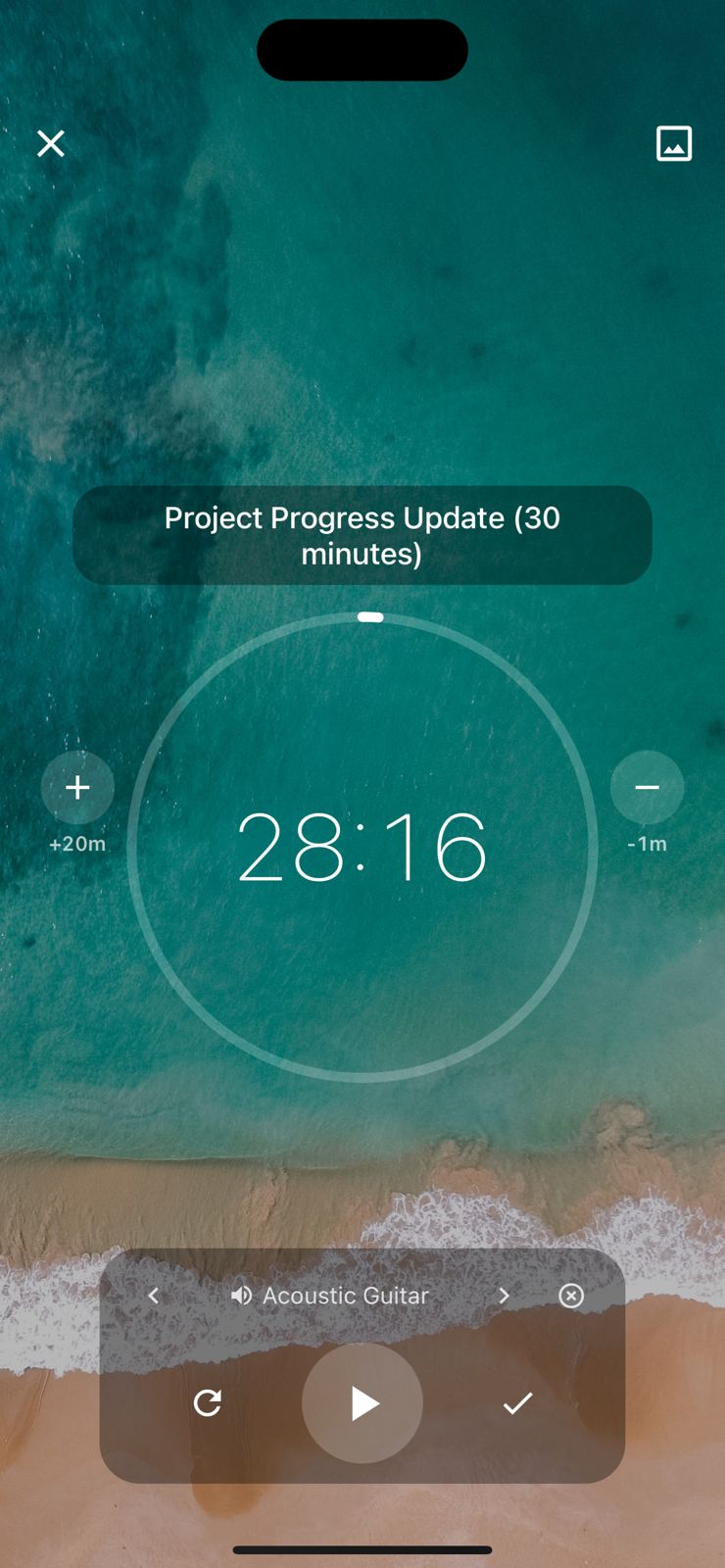
Dynamic timers, streak tracking, and curated sound loops keep attention anchored.

FocusBox × Notion: Flow for Makers and Learners
Organised, Inspired, Consistent, Reflective, Momentum-driven
Craft Study Blocks or Creative Sprints with Ease
Hard to Measure Progress Across Multiple Spaces
FocusBox aggregates completed cycles, giving you a simple pulse of momentum.
Self-set Deadlines Slip Through the Cracks
Time-boxing plus gentle reminders transform intention into action.


Frequently Asked Questions
How do I connect Notion to FocusBox?
Go to Settings, select Integrations, and click Connect Notion. Authorize FocusBox through Notion OAuth and select which databases and pages to share. Your tasks will then sync to FocusBox.
What Notion data is imported into FocusBox?
FocusBox imports tasks from your Notion databases, including titles, due dates, statuses, and priorities. You can then organize them into focused timeboxed sessions.
Is my Notion data secure with FocusBox?
Yes. FocusBox uses Notion OAuth for secure authentication and only accesses the pages and databases you explicitly share. All data is encrypted in transit and at rest.
Do I need a paid plan for the Notion integration?
The Notion integration is available on all FocusBox plans. Free plan users can import tasks into one project and complete one task. Upgrade to Pro for unlimited projects and premium features.
Can I choose which Notion databases to import?
Yes. During the authorization process, you select which Notion pages and databases FocusBox can access. You can update these permissions at any time from your Notion settings.
How often do Notion tasks sync?
Tasks sync automatically when you open FocusBox. You can also manually trigger a sync from the Integrations page to pull the latest changes from your Notion workspace.
Does FocusBox modify my Notion workspace?
No. FocusBox only reads data from the Notion databases you share. It does not create, modify, or delete any content in your Notion workspace.
What if I disconnect Notion from FocusBox?
Previously imported tasks remain in FocusBox, but new tasks will no longer sync. You can reconnect Notion at any time. You can also revoke access from Notion settings.
Start for free. No credit card needed.