Team productivity and project management in one placeBring your team together and keep every project moving.
FocusBox Teams lets you create dedicated spaces for collaboration.
- Free plan, no card needed
- Web and iPhone, always in sync
- Built for ADHD brains
Benefits of Teams in FocusBox
One shared space for the whole team
Bring your team together and keep every project moving.
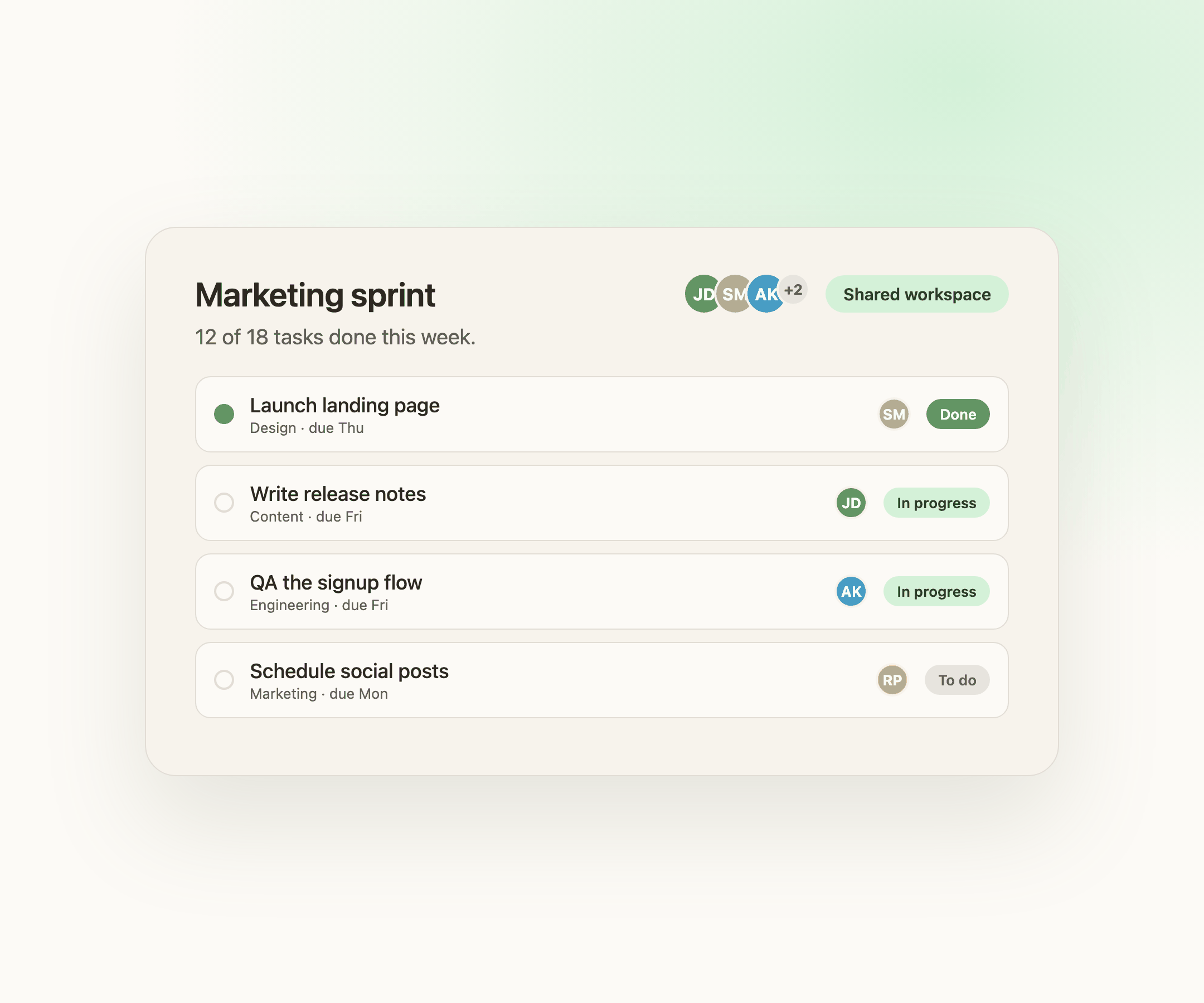
Difficulty coordinating multiple projects and team tasks?
Streamline collaboration with role-based access and centralized project management to keep everyone aligned.
Overwhelmed by shared tasks and tight deadlines?
Utilize customizable views, shared calendars, and real-time progress tracking to stay on top of your projects.
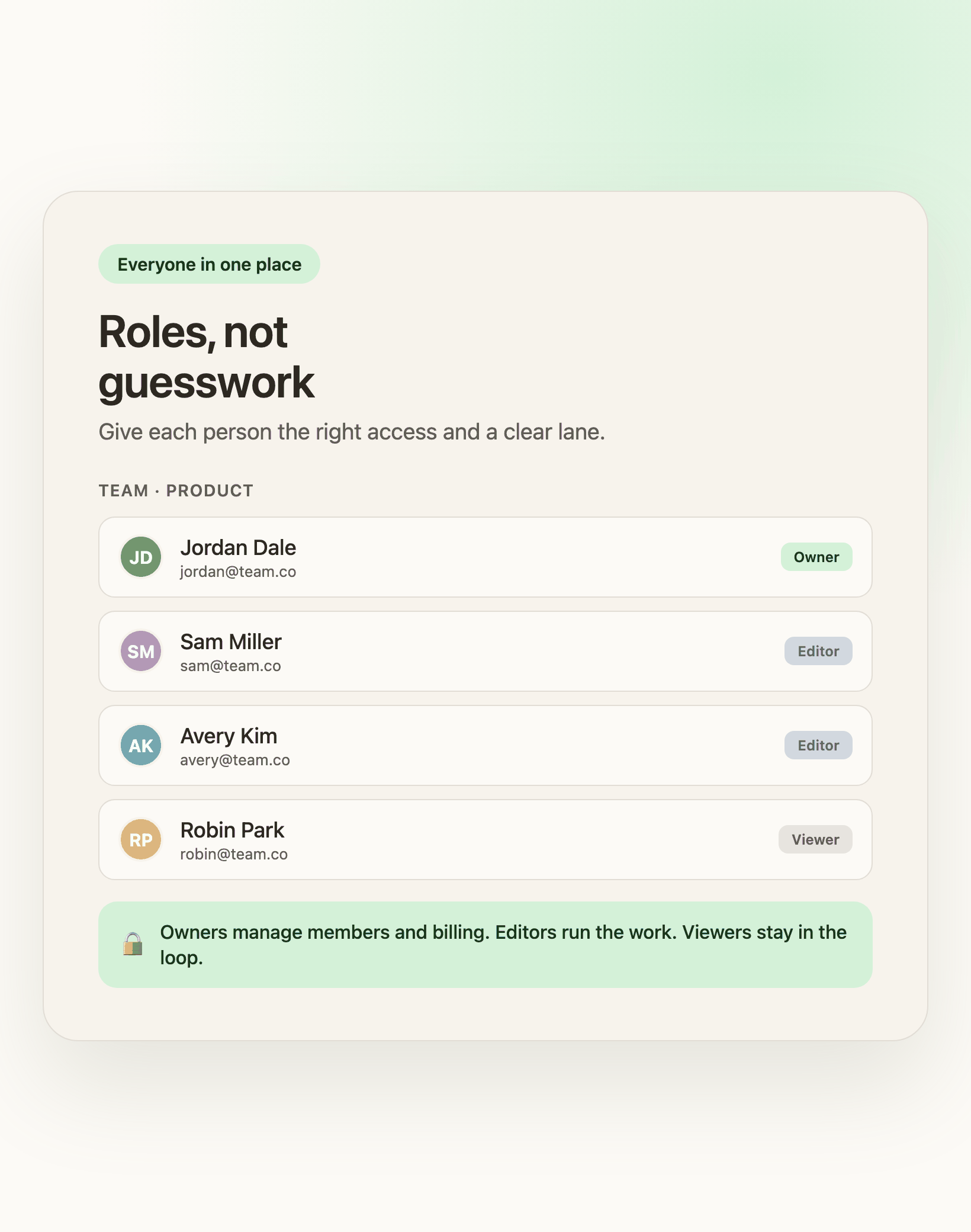
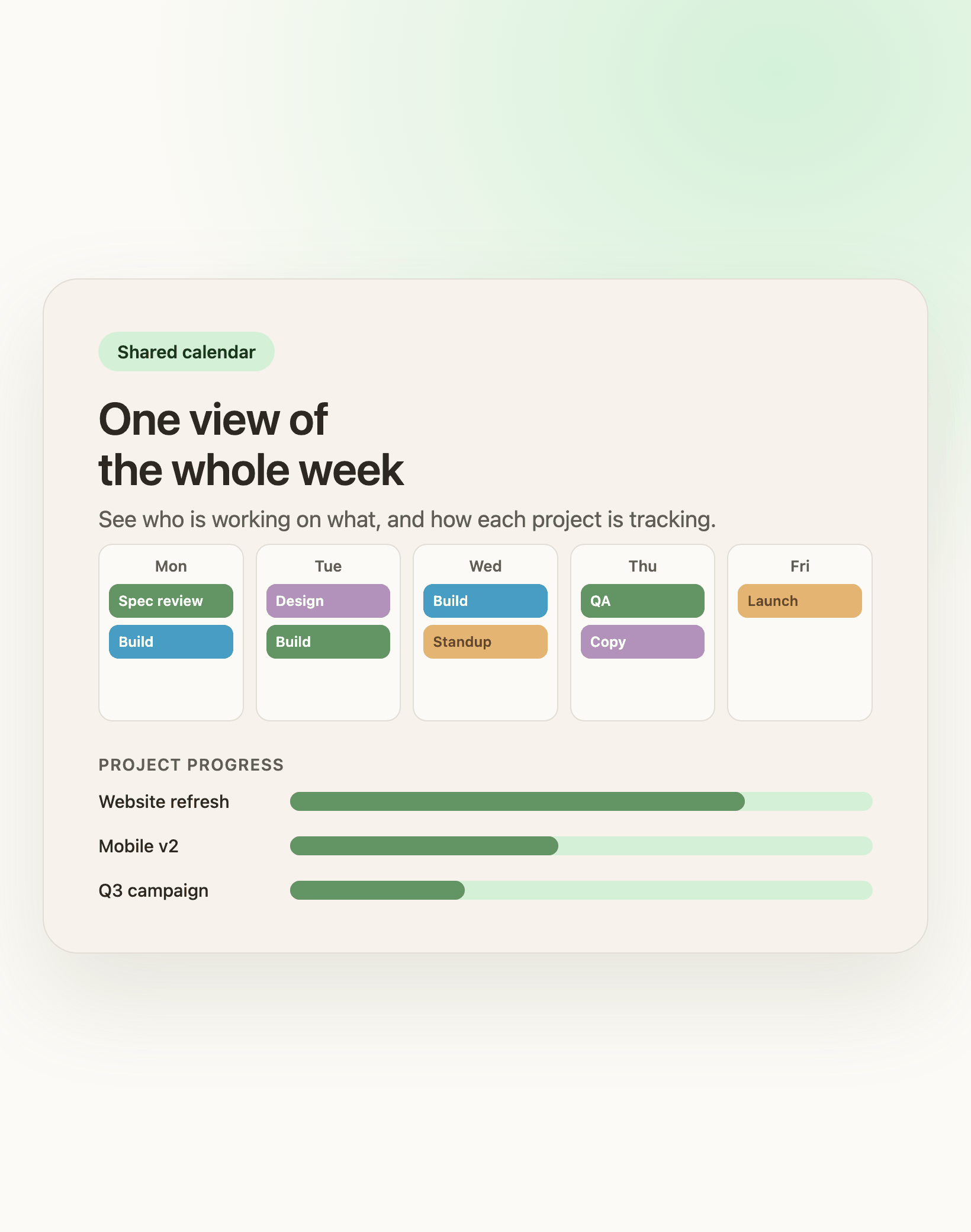
Transform team productivity with FocusBox's intuitive dashboard.
One shared space for the whole team
Bring your team together and keep every project moving.
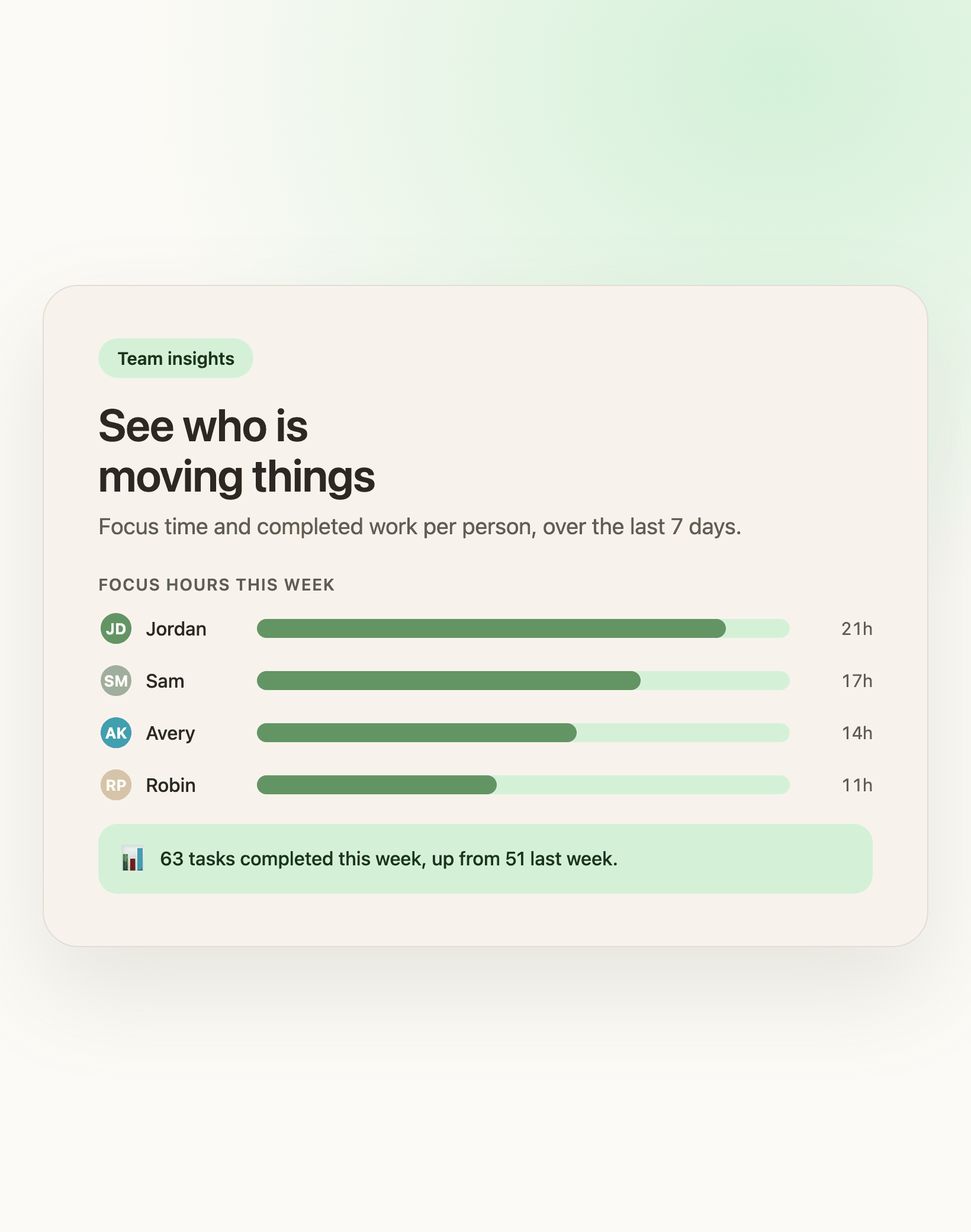
Need clarity on team contributions and overall progress?
Monitor performance with our team activity tracker and detailed productivity metrics.
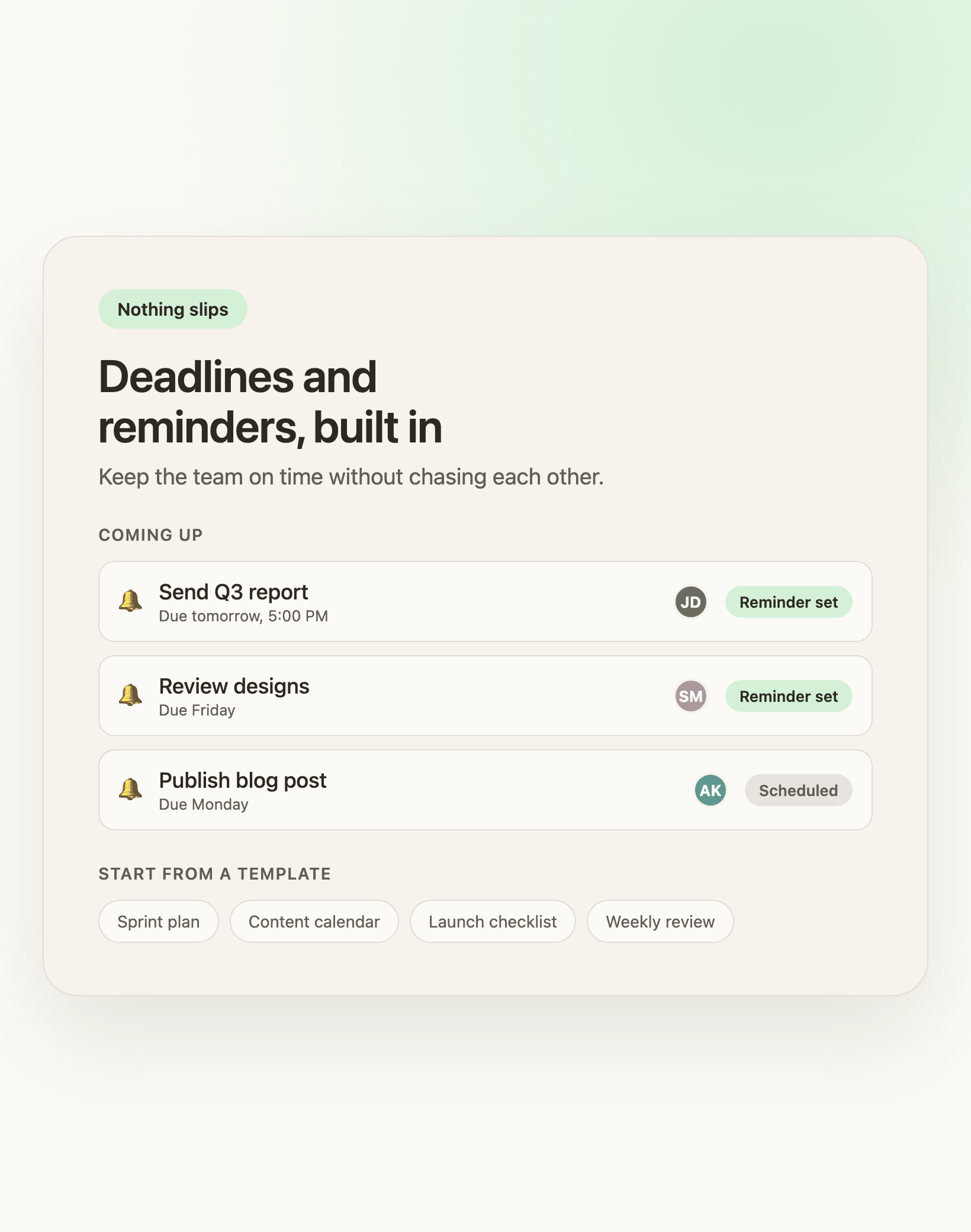
Missed deadlines or communication gaps slowing you down?
Leverage task reminders, flexible templates, and intuitive interfaces to ensure timely completions.
Frequently Asked Questions
How does FocusBox help team productivity?
FocusBox helps teams stay aligned by providing shared task management, focus tools, and productivity tracking. Each team member can manage their tasks while leaders track overall progress.
Can team members use their own focus settings?
Yes. Each team member has their own FocusBox workspace with personal timer settings, ambient sounds, and preferences. Individual productivity is tracked alongside team performance.
Does FocusBox integrate with team tools?
Yes. FocusBox integrates with popular team tools like Asana, ClickUp, Jira, Todoist, Notion, and Google Calendar. Import tasks from your existing team workflow.
How can I track my team productivity?
FocusBox provides team productivity insights showing completed tasks, focus time, and productivity trends across team members. Use these insights to identify areas for improvement.
Is FocusBox suitable for small teams?
Absolutely. FocusBox is designed to work well for small to medium teams. Each member gets their own workspace while team leaders can see overall progress and metrics.
Can teams use the Pomodoro technique together?
Yes. Teams can adopt the Pomodoro technique individually or synchronize their work sessions. FocusBox timers help create a shared rhythm of focused work and breaks.
How does FocusBox help remote teams?
FocusBox provides remote teams with structure through timeboxing, focus tools, and productivity tracking. These features help remote workers stay productive and accountable.
What plan do I need for team features?
Team productivity features are available on FocusBox premium plans. Contact us for team pricing and volume discounts to get your entire team set up with FocusBox.