Key takeaways
- Balance tools work by making boundaries explicit rather than by reducing work.
- Notification control is the highest-leverage setting in any of them.
- A tool cannot enforce a boundary you have not decided on.
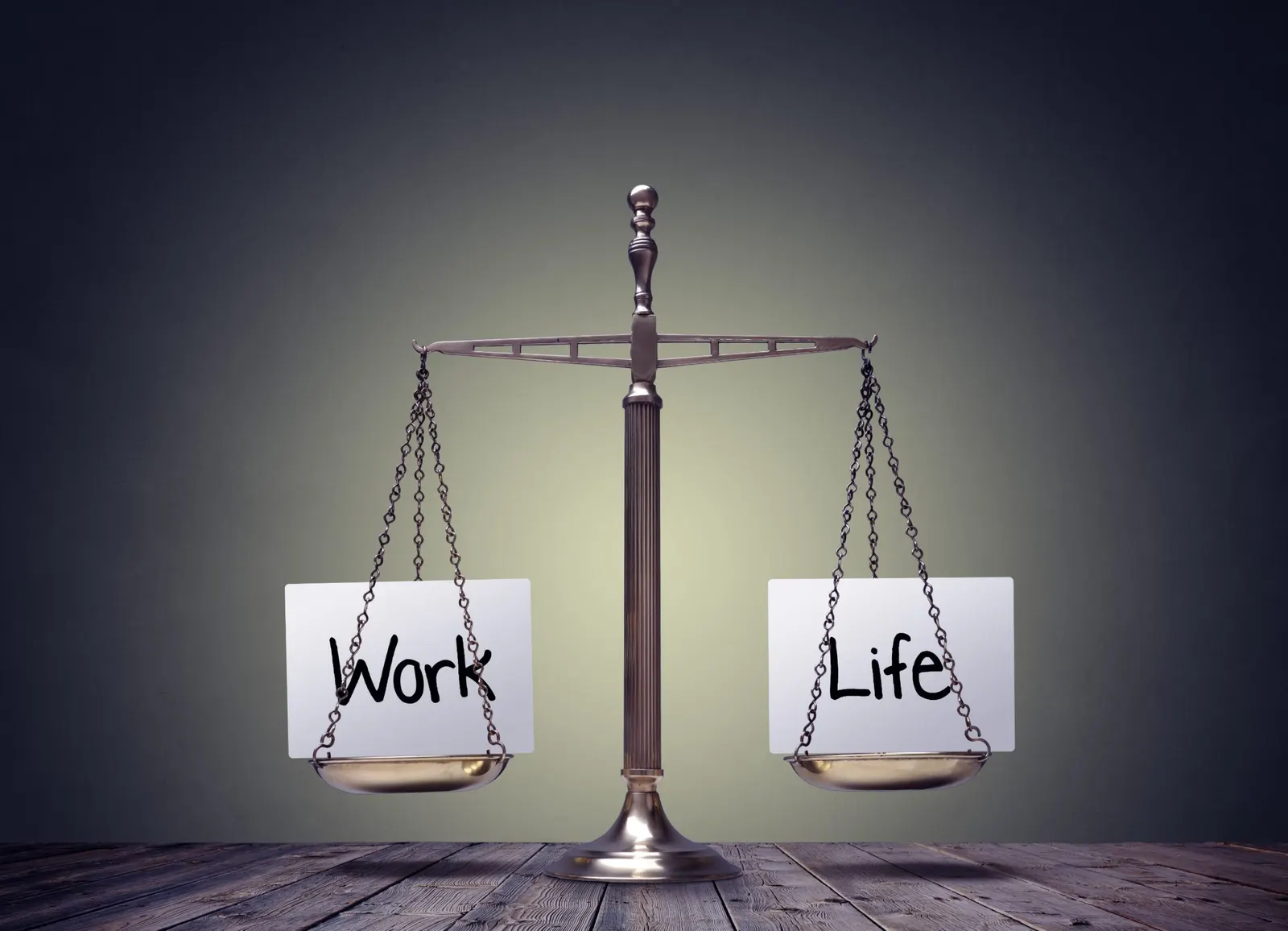
Finding a healthy work/life balance is essential for maintaining productivity, mental health, and overall well-being. With the right tools, achieving this balance becomes easier, helping to organize tasks, reduce stress, and create boundaries between work and personal life. From time management and habit tracking to relaxation and mindfulness, these tools are designed to support a balanced lifestyle for professionals across fields.
In this article, we’ll explore the top 10 work/life balance tools for 2026. Whether you’re a business owner, software engineer, student, or product owner, these tools provide solutions for managing your time and energy effectively. Each tool’s features were checked on its own website in September 2026.
Quick Overview: Best Work/Life Balance Tools in 2026
- FocusBox – AI to-do lists, timers and focus tools for planning the workday.
- Trello – Flexible project management for work and personal life.
- Slack – Communication platform with customizable notifications.
- Calm – Meditation app to reduce stress.
- RescueTime – Tracks screen time to boost focus.
- Microsoft To Do – Task manager for both personal and professional tasks.
- Habitica – Gamified habit tracker to motivate and track personal goals.
- Google Calendar – Simplifies scheduling and time-blocking.
- Notion – All-in-one workspace for managing personal and professional projects.
- Evernote – Digital note-taking tool to keep life organized.
Detailed Tool Profiles
1. FocusBox
Category: Time Management and Focus
Ideal For: Professionals looking for a comprehensive productivity tool
FocusBox helps you plan a workday that ends on time. Its AI to-do list generator turns a plain-text description into tasks and subtasks, and its AI time blocking plans that work around the events you import from Google Calendar. Timers, Pomodoro sessions and reminders then keep each block bounded, and reports show where your time went.
- Key Features:
- Ready-made templates for work and break periods, which you can edit before loading.
- Timeboxing with timers, reminders and alarms.
- Ambient sounds and a full-screen focus mode, on the web and on iPhone and iPad.
2. Trello
Category: Project Management
Ideal For: People managing multiple projects in both work and personal life
Trello’s visual boards make it easy to organize tasks, projects, and goals. Its flexibility is perfect for both collaborative work projects and personal to-do lists.
- Key Features:
- Inbox, Boards and Planner to capture and organize every to-do.
- Calendar sync to set aside focused time slots.
- Integrations and automation for repeated workflows.
3. Slack
Category: Communication and Collaboration
Ideal For: Teams needing flexible communication with work-life-friendly features
Slack lets you configure notifications in detail and pause them entirely when you need time to focus or time away from work.
- Key Features:
- Customize notification settings.
- Integrations with over 2,600 apps, plus workflow automation.
- Pause notifications for after-hours time.
4. Calm
Category: Meditation and Mindfulness
Ideal For: Anyone looking to manage stress and enhance relaxation
Calm provides guided meditations, sleep stories, and relaxation exercises, making it ideal for reducing work-related stress and maintaining mental well-being.
- Key Features:
- Meditation exercises for stress management.
- Sleep stories to improve sleep quality.
- Breathing exercises for in-the-moment stress relief.
5. RescueTime
Category: Time Tracking
Ideal For: Users who want to understand and control screen time
RescueTime provides insights into how time is spent on devices, helping users reduce screen time and increase focus on essential tasks.
- Key Features:
- Track time spent on apps and websites.
- Block distracting sites during work hours.
- Set goals for personal and professional productivity.
6. Microsoft To Do
Category: Task Management
Ideal For: People who want to track personal and work tasks in one place
Microsoft To Do helps users stay on top of daily responsibilities, with My Day suggesting what to add to today’s list.
- Key Features:
- Free to use, syncing lists across the web, iOS, Android and Windows.
- Break complex tasks into simple steps.
- Works with Outlook tasks and supports shared lists.
7. Habitica
Category: Habit Tracking
Ideal For: People looking for a fun, gamified way to manage habits
Habitica turns habit tracking into a game, helping users stay motivated to develop both personal and work-related habits in a fun way.
- Key Features:
- Gamified experience to track habits.
- Gold and items as rewards for completing tasks.
- Team up with friends to collaborate and compete.
8. Google Calendar
Category: Scheduling and Time Management
Ideal For: Professionals looking for an easy way to schedule tasks and manage time
Google Calendar allows for simple scheduling and time-blocking, perfect for organizing both work and personal commitments.
- Key Features:
- Syncs across devices for seamless scheduling.
- Color-coded calendars and events, plus working hours and location.
- Focus time that silences notifications and auto-declines meetings.
9. Notion
Category: All-in-One Workspace
Ideal For: Users who want to manage everything from tasks to notes in one place
Notion’s flexibility makes it a great choice for both work and personal project management, combining notes, databases, and task lists in one platform.
- Key Features:
- Customizable workspace for different projects.
- Collaborate on shared projects.
- Integrate with other tools to streamline tasks.
10. Evernote
Category: Note-Taking and Organization
Ideal For: Users who need to keep information organized and accessible
Evernote helps users manage notes, tasks and reminders, making it easy to stay organized and remember important details.
- Key Features:
- Record, transcribe, scan and clip content into notes.
- Organize notes by tags and notebooks.
- Sync across devices for easy access.
Frequently Asked Questions
What are the 4 pillars of work-life balance?
The four pillars of work-life balance are health, relationships, work, and personal growth. Balancing these pillars ensures overall well-being and satisfaction.
How can you measure work-life balance?
Work-life balance can be measured by evaluating satisfaction in various areas, including time spent on personal activities, energy levels, and the ability to disconnect from work.
How to create a good work-life balance?
Set boundaries, schedule downtime, prioritize self-care, and leverage tools that encourage efficient time management and focus.
How can I balance my work-life balance?
Balancing work-life involves prioritizing tasks, using time management tools, and scheduling regular breaks to recharge.
What is the framework of work-life balance?
A work-life balance framework generally includes setting boundaries, using time-management strategies, and establishing routines to separate work from personal life.
Conclusion
With the right tools, achieving a work-life balance becomes more manageable. From FocusBox’s AI planning and timers to the relaxation benefits of Calm, these tools offer varied solutions to help you stay organized and healthy. Whether you need assistance with scheduling, communication, or mindfulness, these top work-life balance tools will support you in 2026 and beyond.
And for those looking for a tool that combines productivity and personal growth, consider FocusBox. It lets you load templates, generate tasks and subtasks with AI, time-block your day around your Google Calendar events, and work with ambient sounds in a full-screen focus mode.