Key takeaways
- A family calendar succeeds or fails on whether everyone actually adds to it.
- Choose the app that works on the devices your household already uses.
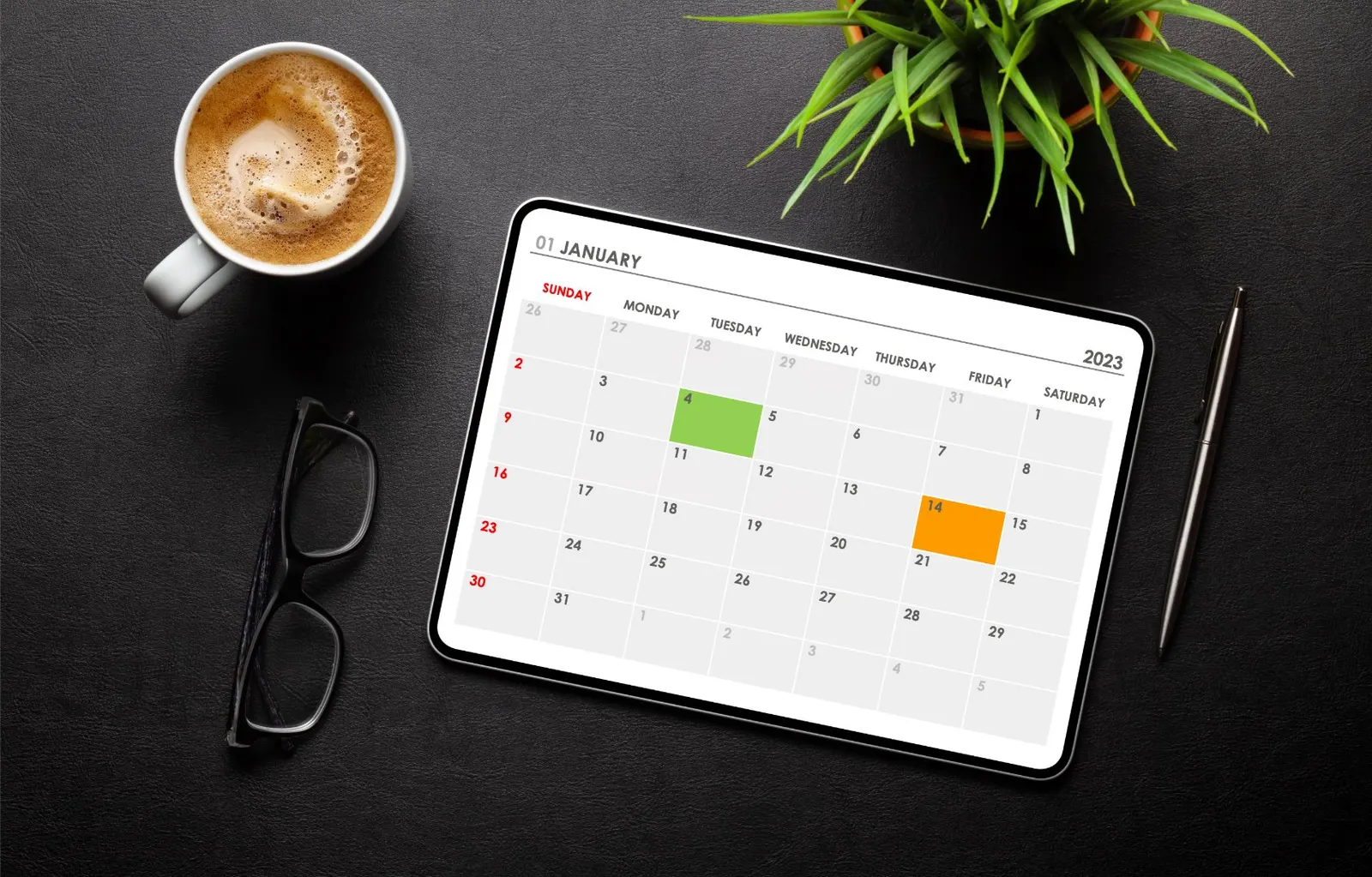
- Colour coding per person is what makes a shared calendar readable at a glance.
Managing a family’s busy schedule can feel like herding cats, but shared calendar apps are here to make life easier. These apps help families stay organized, ensuring no one misses a school play, soccer practice, or doctor’s appointment. There are plenty of good options to choose from.
Whether you’re a parent juggling school activities, a student trying to coordinate study groups, or a developer looking for app integration ideas, there’s something for everyone. Let’s dive into the best shared calendar apps for families this year.
Quick Overview: Best Shared Calendar Apps for Families in 2026
- Google Calendar - The all-purpose classic for easy sharing across devices.
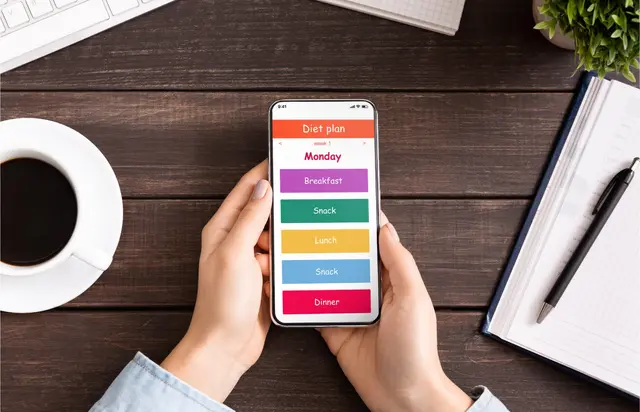
- Cozi Family Organizer – Tailored for families with task lists, meal plans, and more.
- TimeTree - Shared calendars for any group, from family to hobbies.
- FamCal - A family-focused app that combines schedules, tasks, and notes.
- Microsoft Outlook - Ideal for families using Microsoft accounts.
- SkedPal - An AI calendar that time-blocks your to-do list.
- Apple Calendar - Built in for Apple users.
Now let’s explore each app in detail.
1. Google Calendar
Why It’s Great
Google Calendar remains a go-to option for families thanks to its simplicity and its place alongside the other Google apps. You can create separate calendars and share them with family members.
Key Features
- Shareable calendars.
- Web, Android and iOS apps, plus Wear OS and Apple Watch.
- Day, week and month views.
Best For
Families already using Google services who want an easy-to-use solution.
2. Cozi Family Organizer
Why It’s Great
Cozi is a family-focused app that goes beyond calendars to include meal planning, shopping lists, and to-do lists. It’s designed with parents in mind.
Key Features
- One shared family calendar, with color codes that show who is involved at a glance.
- Shopping lists, recipes and a meal planner.
- Shared family to-do lists, notifications and agenda emails.
Best For
Parents who want an all-in-one family management tool.
3. TimeTree
Why It’s Great
TimeTree describes itself as an app for easy calendar sharing and communication. You create a calendar, send an invite, and the group can see and plan around the same schedule.
Key Features
- Multiple shared calendars for family, hobbies or school.
- Group-based sharing by invite.
- Filters to see everything together or switch between calendars.
Best For
Families who need an intuitive and visually appealing calendar app.
FAQs About TimeTree
- Is TimeTree free? Yes, you can start for free. TimeTree Premium adds ad-free calendars, file attachments, a vertical view and pinned events for 4.49 USD/month or 44.99 USD/year (timetreeapp.com, September 2026; prices may vary by region).
- Is it better than Google Calendar? TimeTree is built around sharing calendars with groups, while Google Calendar fits best if your family already uses Google accounts.
4. FamCal
Why It’s Great
FamCal combines a shared calendar with family-focused features like task lists, shared memos and a recipe box. The family shares one account and each member can have their own color.
Key Features
- Shared family calendar with month, week and agenda views.
- Shared lists and task delegation, with notifications to a member or the whole family.
- Shared memos, birthday tracking and a recipe box.
Best For
Families who value detailed task management alongside scheduling.
5. Microsoft Outlook
Why It’s Great
If your family already uses Microsoft accounts, Outlook puts email, calendars, contacts and to-do lists in one view. It has a free account and runs on the web, desktop and mobile.
Key Features
- Calendar sharing with people inside or outside your organization.
- Multiple calendars and accounts in one place.
- Apps for Windows, Mac, iOS and Android, plus Outlook on the web.
Best For
Families who already use Outlook or Microsoft 365.
6. SkedPal
Why It’s Great
SkedPal is an AI calendar that turns your to-do list into a time-blocked schedule. It suits the adult in the house who carries most of the planning.
Key Features
- AI scheduling of tasks into free time.
- Sync with the calendars you already use.
- Two-way integration for team projects.
Best For
Individuals who want AI help fitting tasks around a busy family calendar.
7. Apple Calendar
Why It’s Great
Apple Calendar comes with the iPhone and Mac, which makes it the easiest choice for families already on Apple devices. You can share an iCloud calendar with other iCloud users and let them add or change events.
Key Features
- Shared iCloud calendars, with edit or read-only access.
- Color-coded calendars for different parts of life.
- Siri Suggestions.
Best For
Apple users who want a built-in solution.
FAQs About Shared Calendar Apps
What is the best app for a shared calendar?
The best app depends on your needs. For simplicity and integration, Google Calendar is great. For family-specific features, Cozi and TimeTree excel.
Is TimeTree or Cozi better?
Cozi offers more family management tools like meal planning and to-do lists. TimeTree focuses on collaboration and intuitive scheduling.
Is Cozi free?
Yes, Cozi is free to sign up for. Cozi Gold is the paid upgrade, with an ad-free experience, a month view and a birthday tracker (cozi.com, September 2026).
How do shared calendars improve productivity?
Shared calendars centralize scheduling, reduce miscommunication, and ensure everyone stays on the same page.
Customization and AI-Driven Features
A shared calendar covers where everyone needs to be. For your own tasks around those events, FocusBox imports your Google Calendar events and uses AI time blocking to fit your to-do list around them, with timers, reminders and alarms for each task. It works on the web and on iPhone and iPad.