Key takeaways
- Blocking works best at the point of distraction, which is the browser.
- A one-click start lowers the barrier enough that you actually use the timer.
- Keep the block list short. A list you fight every day gets switched off.
Are you easily distracted when working online? Do you struggle to stay focused on your tasks and find yourself procrastinating?
If so, FocusBox has got you covered with our new Chrome Extension.
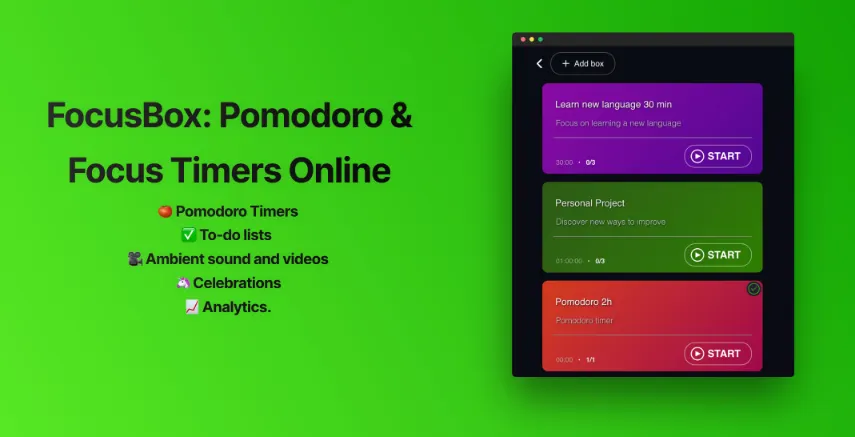
FocusBox is a powerful productivity tool that helps you stay focused and achieve your goals.
🍅 Pomodoro Timers
✅ To-do lists
🎥 Ambient sound and videos
🦄 Celebrations
📈 Analytics.
With our new FocusBox: Pomodoro & Focus Timers Online Chrome Extension, you can now take the power of FocusBox with you wherever you go online.
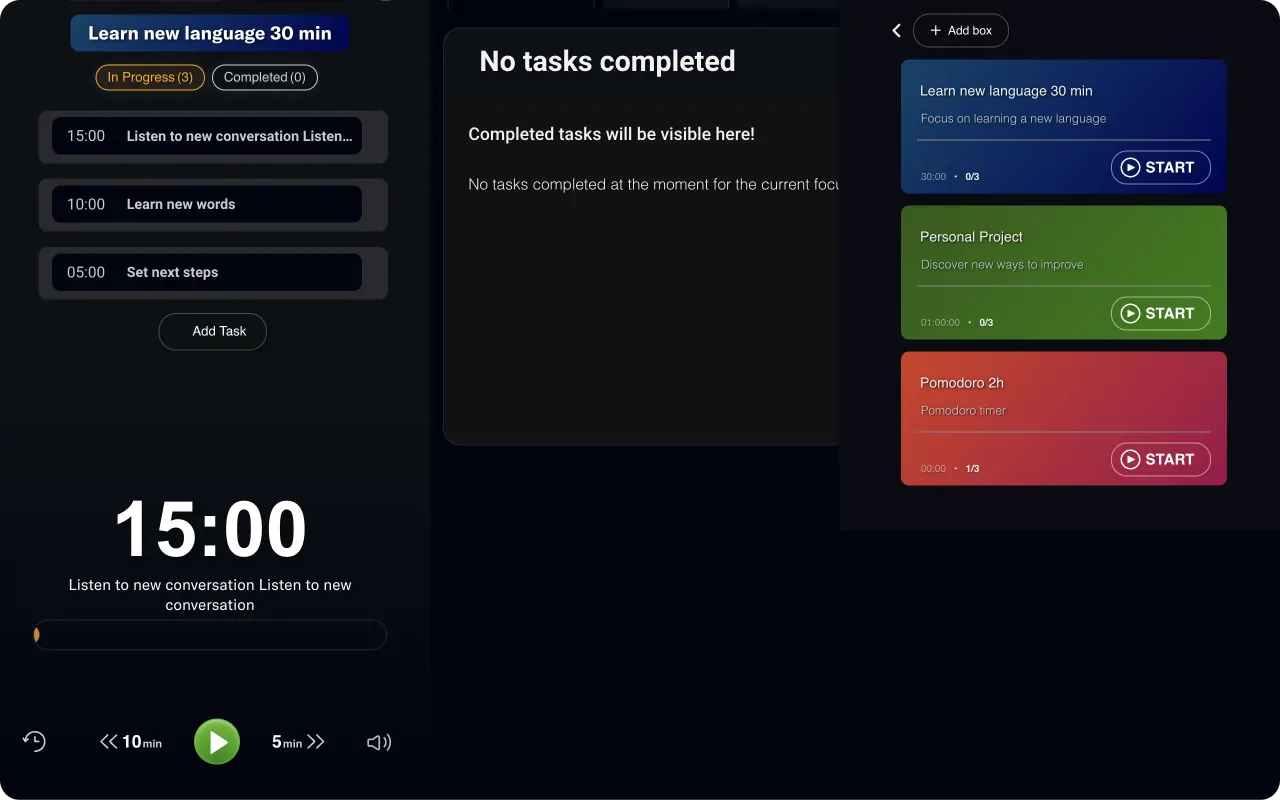
The FocusBox Chrome Extension features Pomodoro Timers. It helps you work in focused 25-minute intervals and take short breaks in between.
FocusBox combines Pomodoro & Focus Online Timers ⏱️ with Timeboxing ⏰ for better productivity.
It also includes a range of ambient sounds and videos to help you create the perfect working environment and stay focused on your tasks.

Our Chrome Extension is easy to use and integrates seamlessly with your browser.
Simply install it from the Chrome Web Store, and you’ll have access to all the features of FocusBox at the click of a button.
At FocusBox, we are committed to helping people improve their productivity and achieve their goals. That’s why we created our Chrome Extension, to make it even easier for you to stay focused.
The FocusBox: Pomodoro & Focus Timers Online Chrome extension offers detailed reporting on your productivity and task completion. With this extension, you can track your time distribution, view completed tasks, and calculate the total time spent in focus mode.
The extension also provides a Gantt chart of your focus time and statistics on your completed to-do lists. You can view your time distribution by project and even track trends in your completed to-do items and focus time.
With these powerful reporting tools, you can analyze your productivity and make informed decisions about how to improve your work habits. Whether you’re a freelancer, student, or professional, the FocusBox Chrome extension can help you stay on track and achieve your goals.
So, what are you waiting for? Install the FocusBox: Pomodoro & Focus Timers Online Chrome Extension today and start working smarter, not harder.
Frequently Asked Questions
What does the Chrome extension do?
It brings blocking and the timer to the browser, which is where most online distraction actually happens.
Do I need the extension if I use the web app?
Not necessarily. The extension helps if your distractions are browser-based and you want a one-click start.
Will a long block list work better?
Usually not. A list you fight every day gets switched off. Keep it to the few sites that genuinely derail you.