Get more done.Wherever you are.
Plan your day with AI, stay focused with timers and ambient sounds, and manage all your tasks from your iPhone. FocusBox puts your productivity in your pocket.
- 무료 플랜, 카드 필요 없음
- 웹과 iPhone, 항상 동기화
- ADHD를 위해 만든 앱
Smart Task Management
Smart Task Management
Manage your tasks intelligently
Stay on Top of Everything
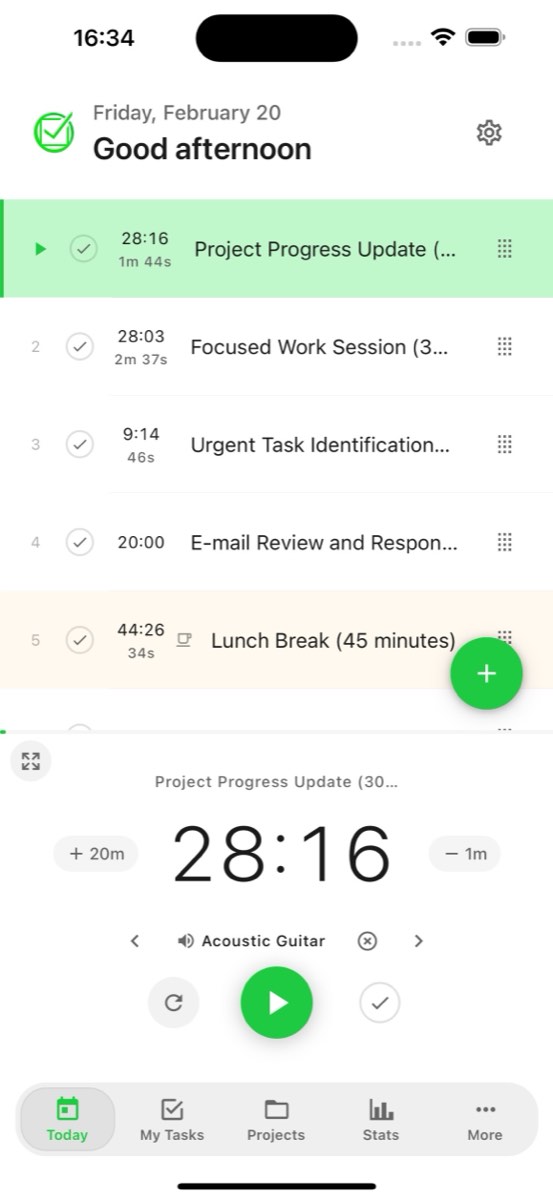
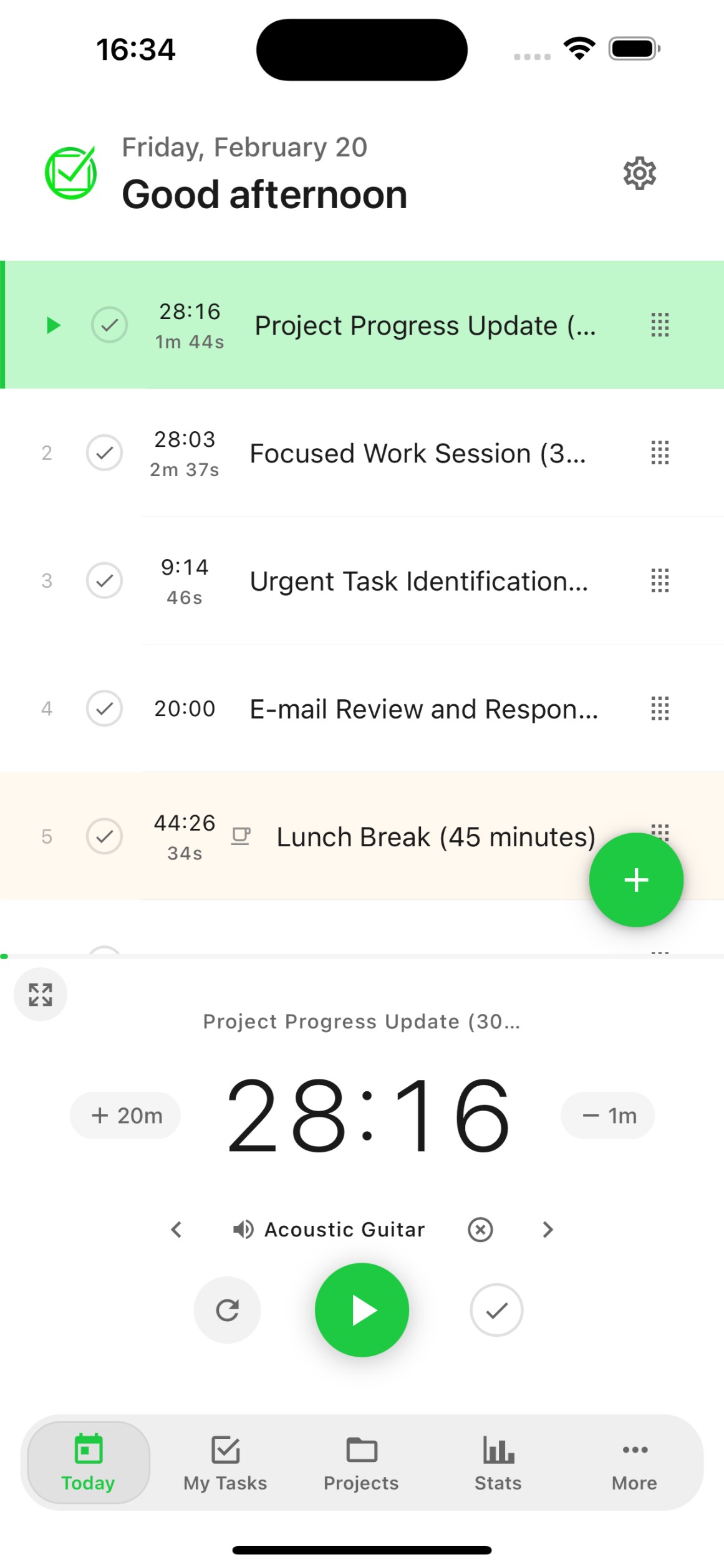
Today View
See exactly what needs to be done today. Your daily tasks, subtasks, and priorities in one clean view designed for quick action.
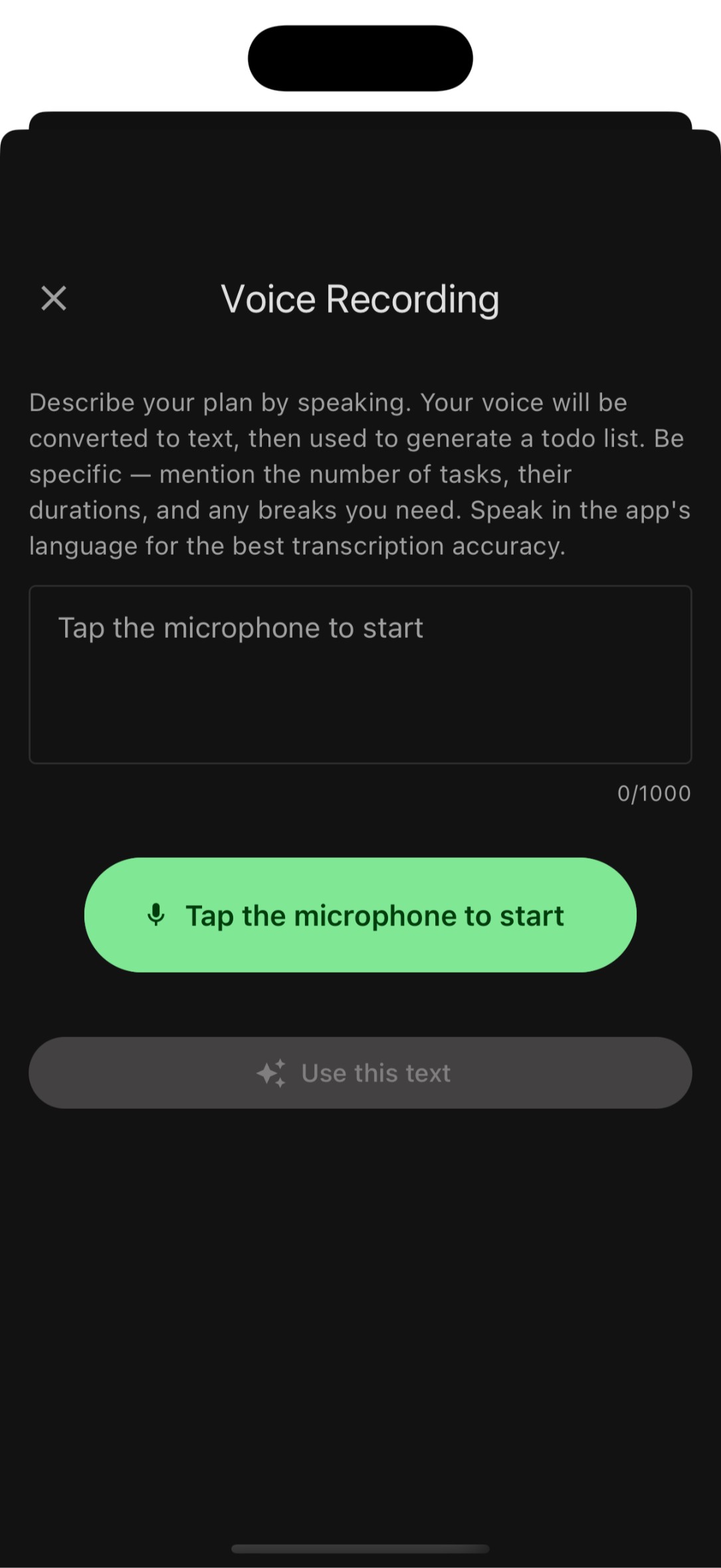
Voice-to-Task
AI voice transcription turns your speech into an organized todo list in seconds. Just speak naturally and FocusBox creates tasks with smart categorization.
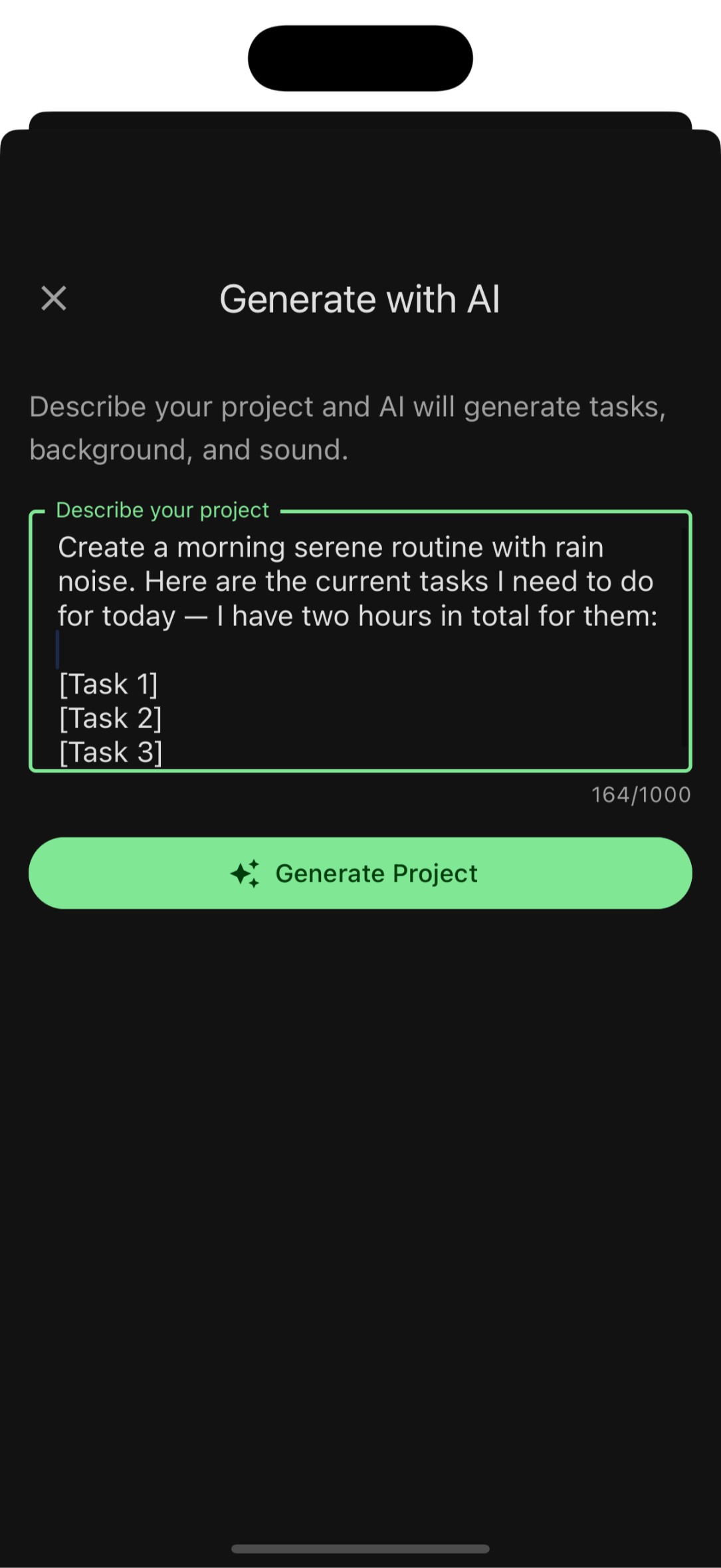
AI Task Generation
Describe your project or goal, and FocusBox AI generates a structured list of subtasks. Plan entire projects in seconds.
Deep focus tools
Focus & Productivity
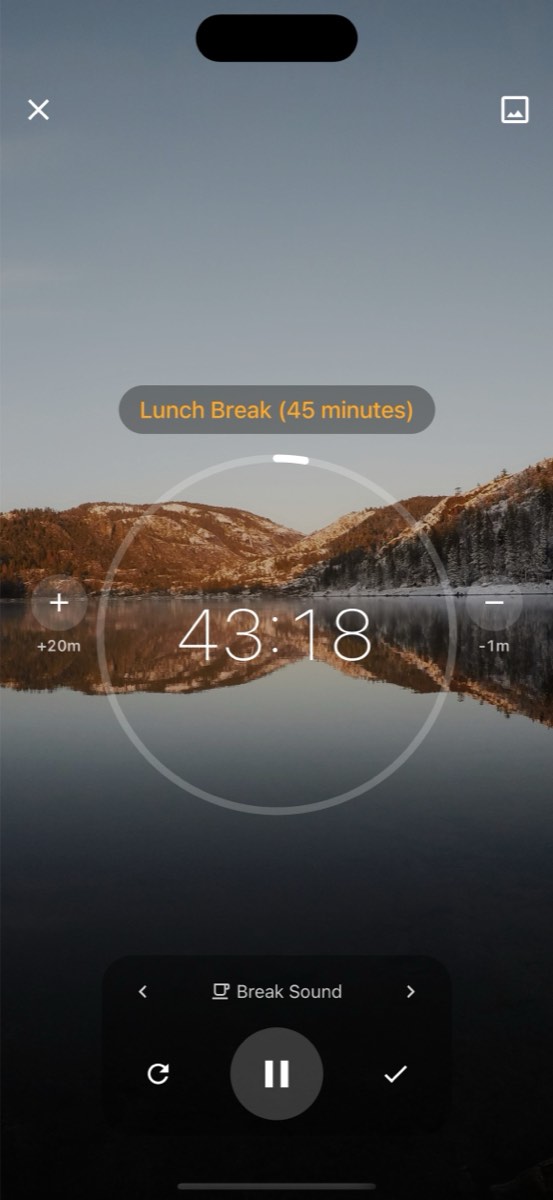
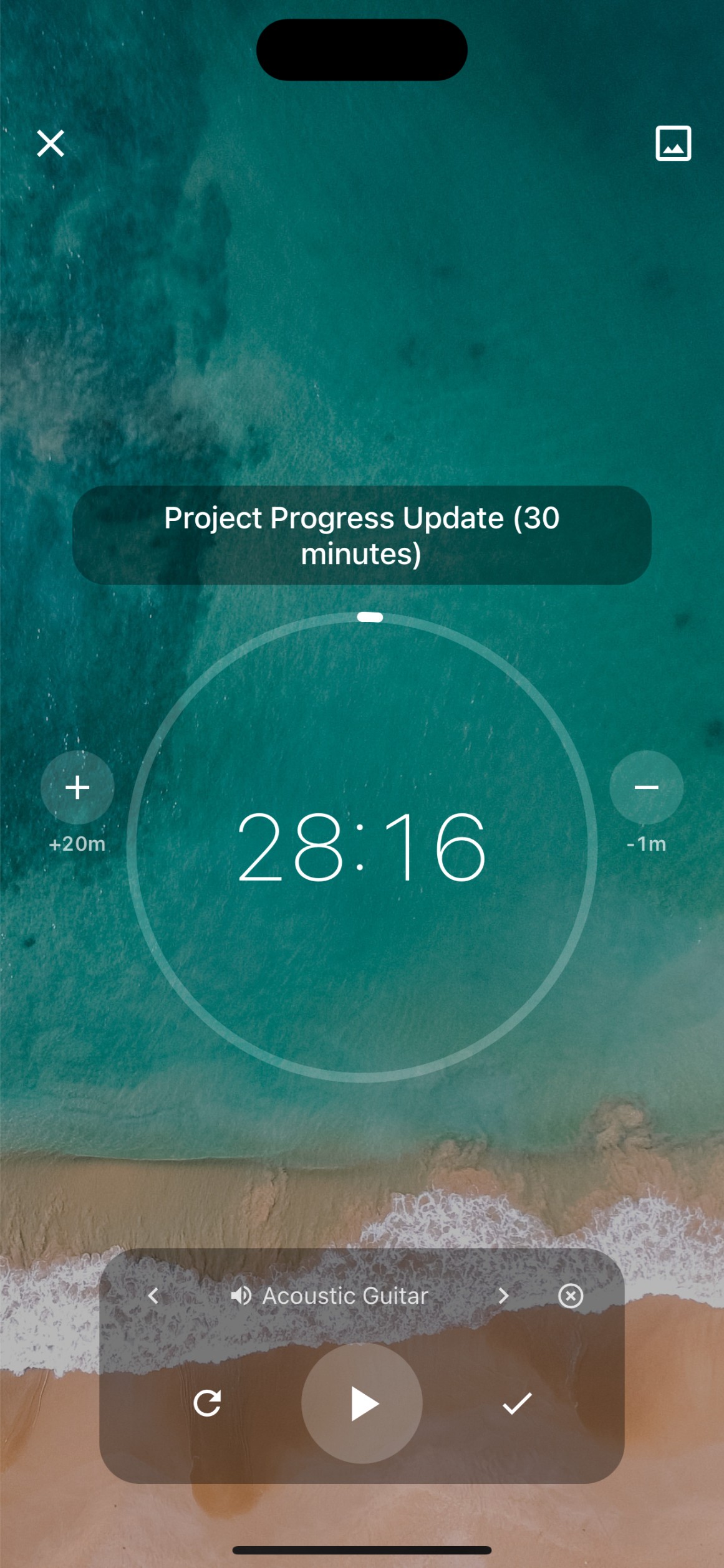
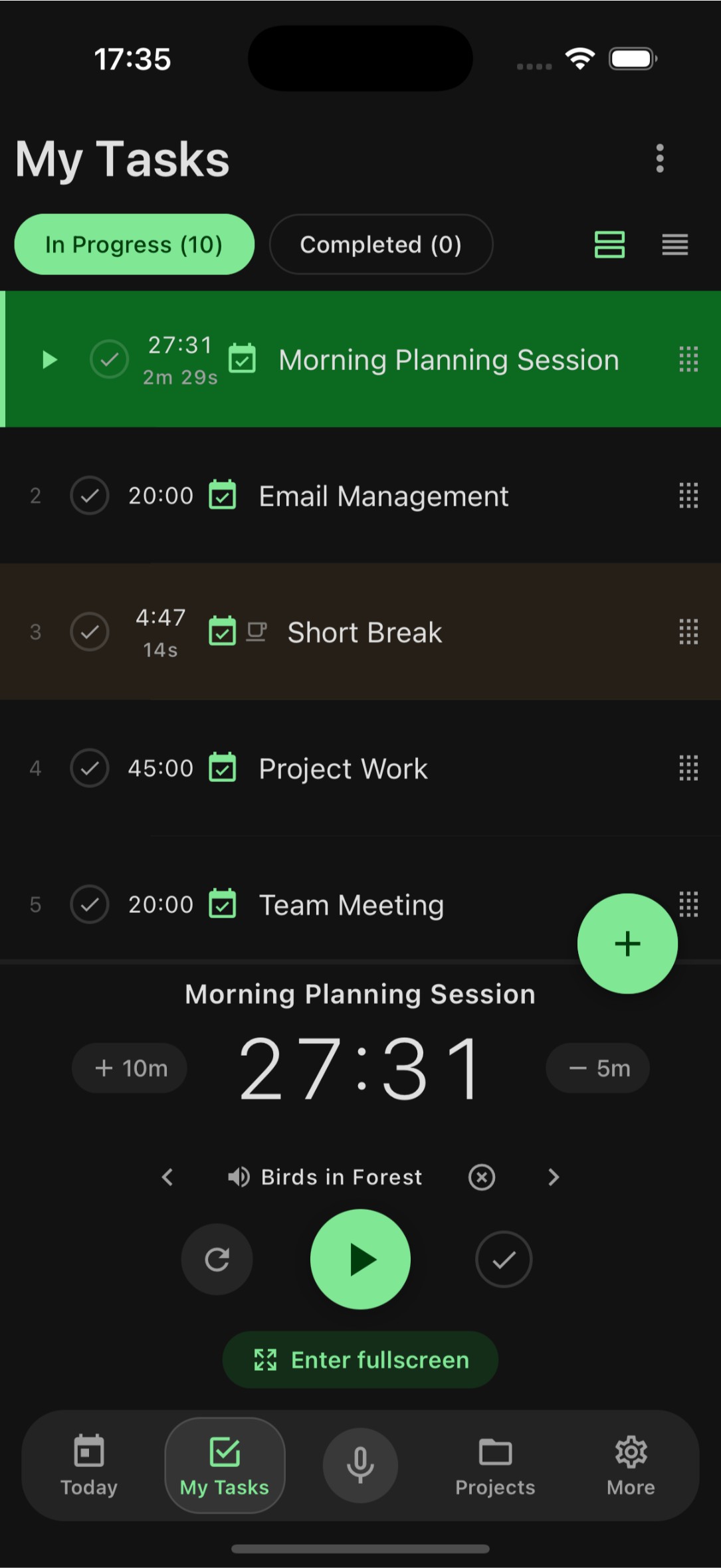
Focus Timer
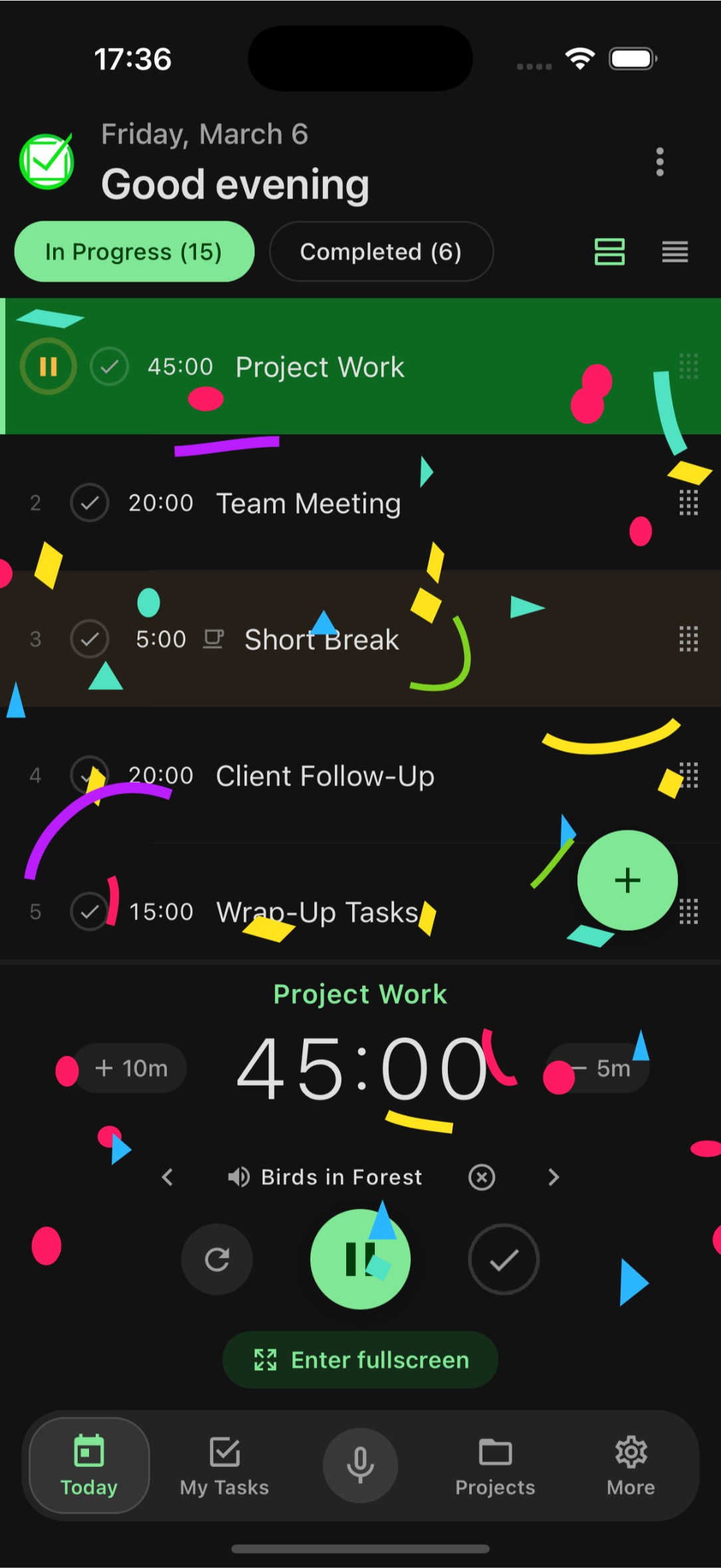
Timebox your tasks with Pomodoro and custom timers. Enter fullscreen focus mode, celebrate completed tasks with fun animations, and build better work habits.
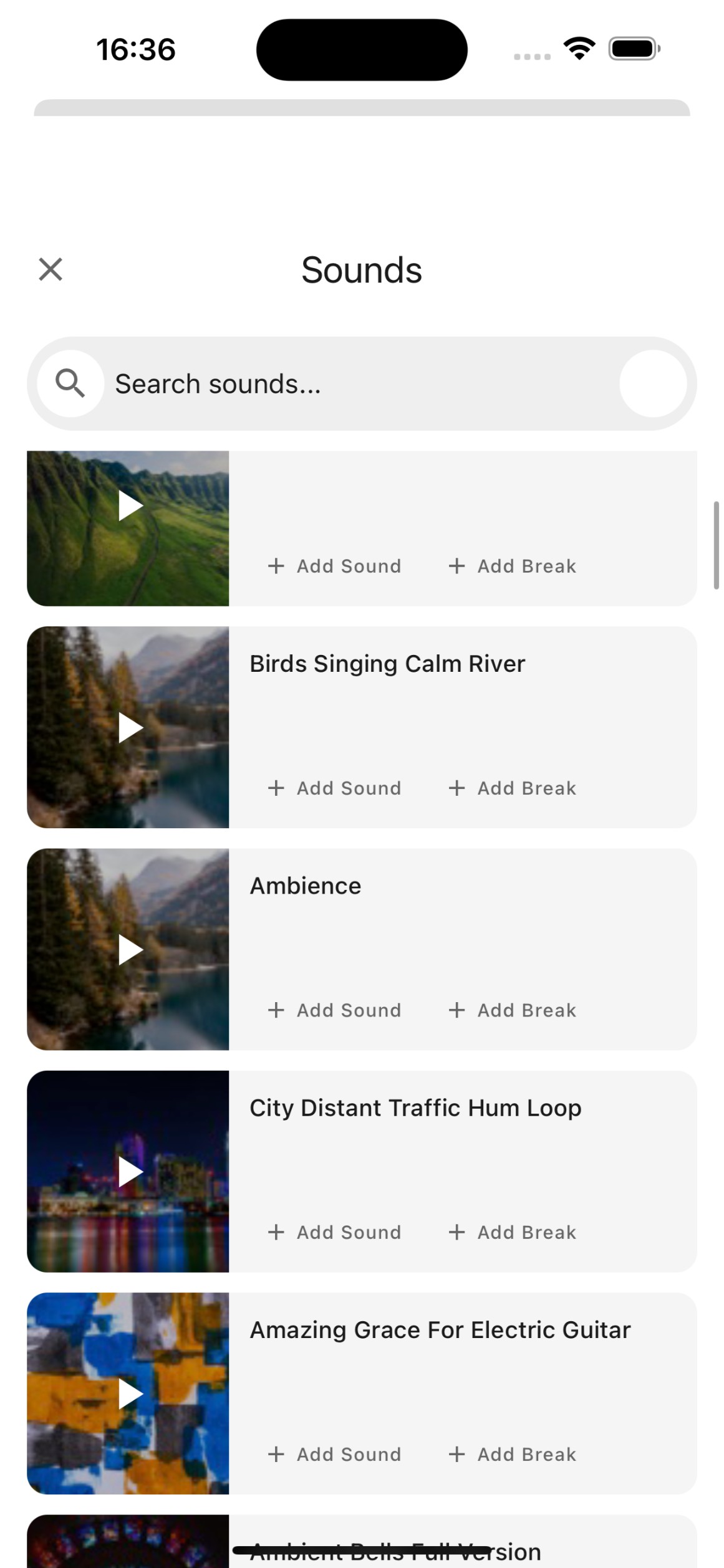
Soundscapes
Ambient sounds like rain, forest, coffee shop, and ocean waves help you get into the zone. Choose the perfect soundscape for your focus sessions.
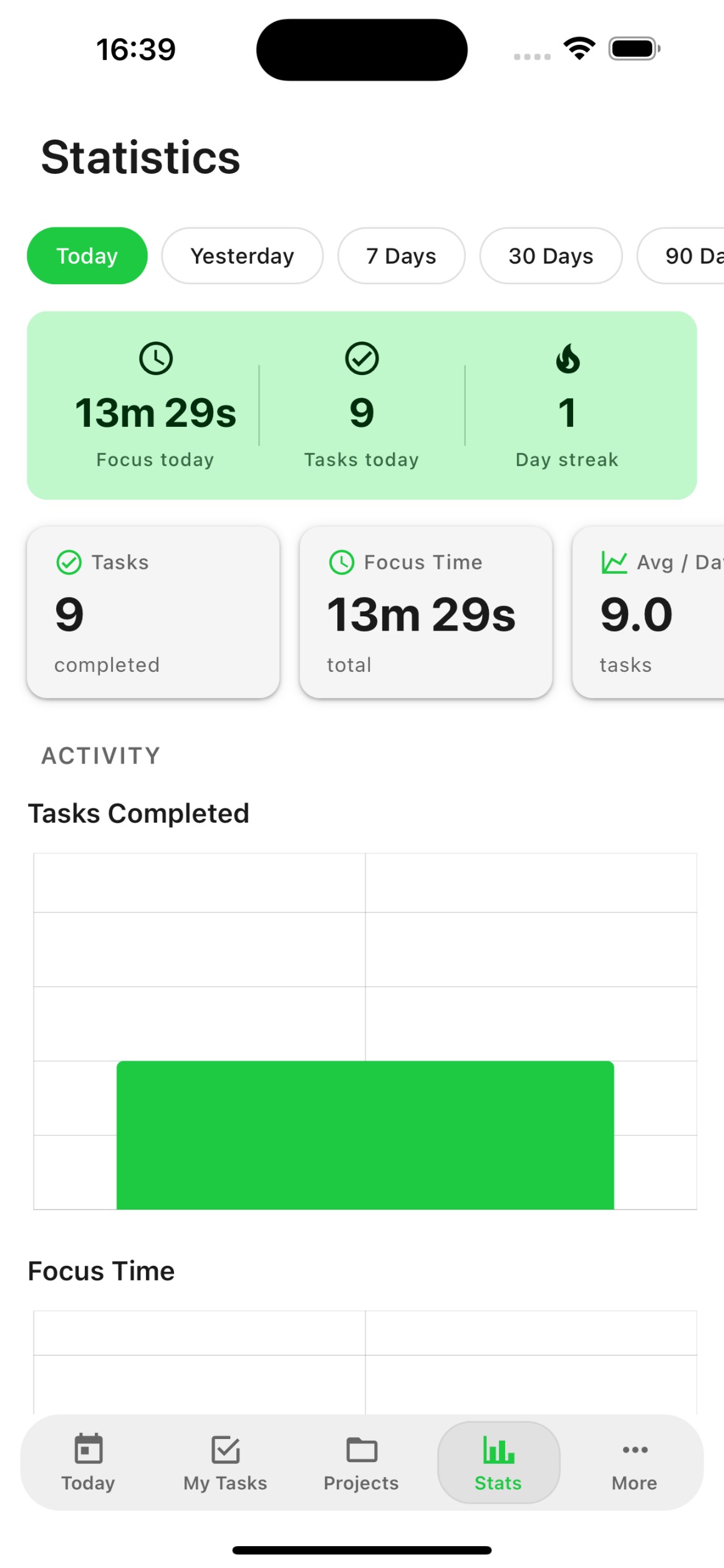
Productivity Analytics
Track your completed tasks, focus time, and productivity trends. Understand your work patterns and optimize your schedule.
Everything connected
Organization & Integrations
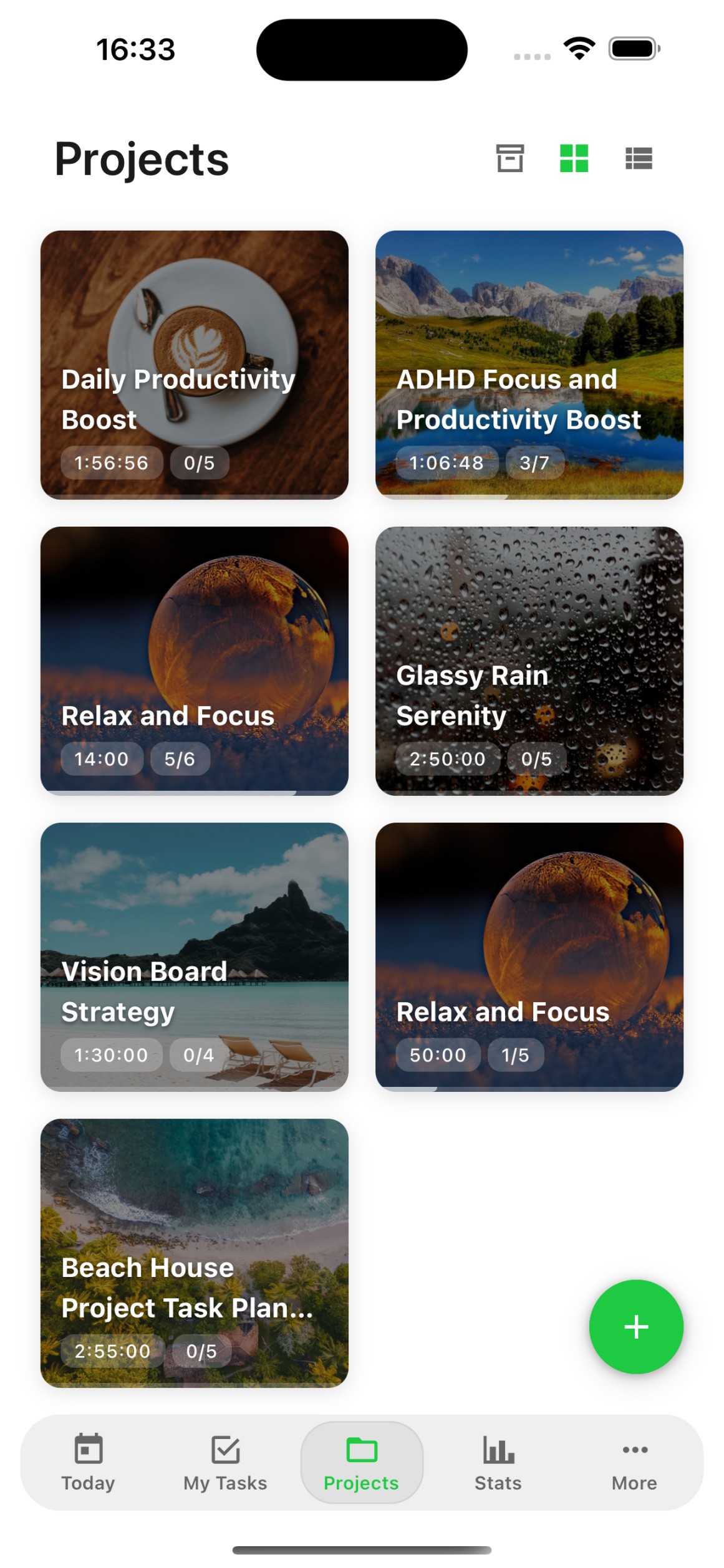
Projects & Streams
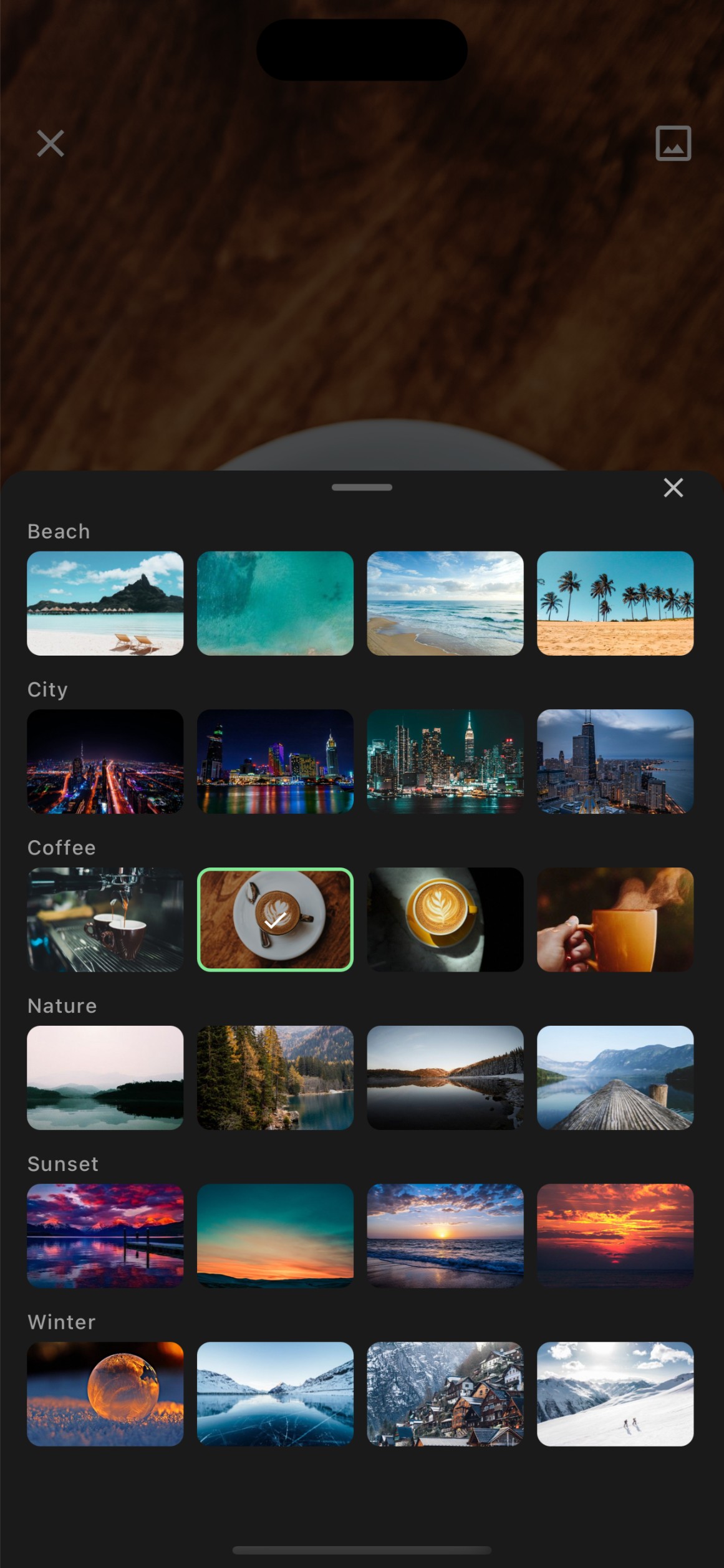
Organize tasks into projects and streams. Keep your work structured with custom categories, backgrounds, and templates.
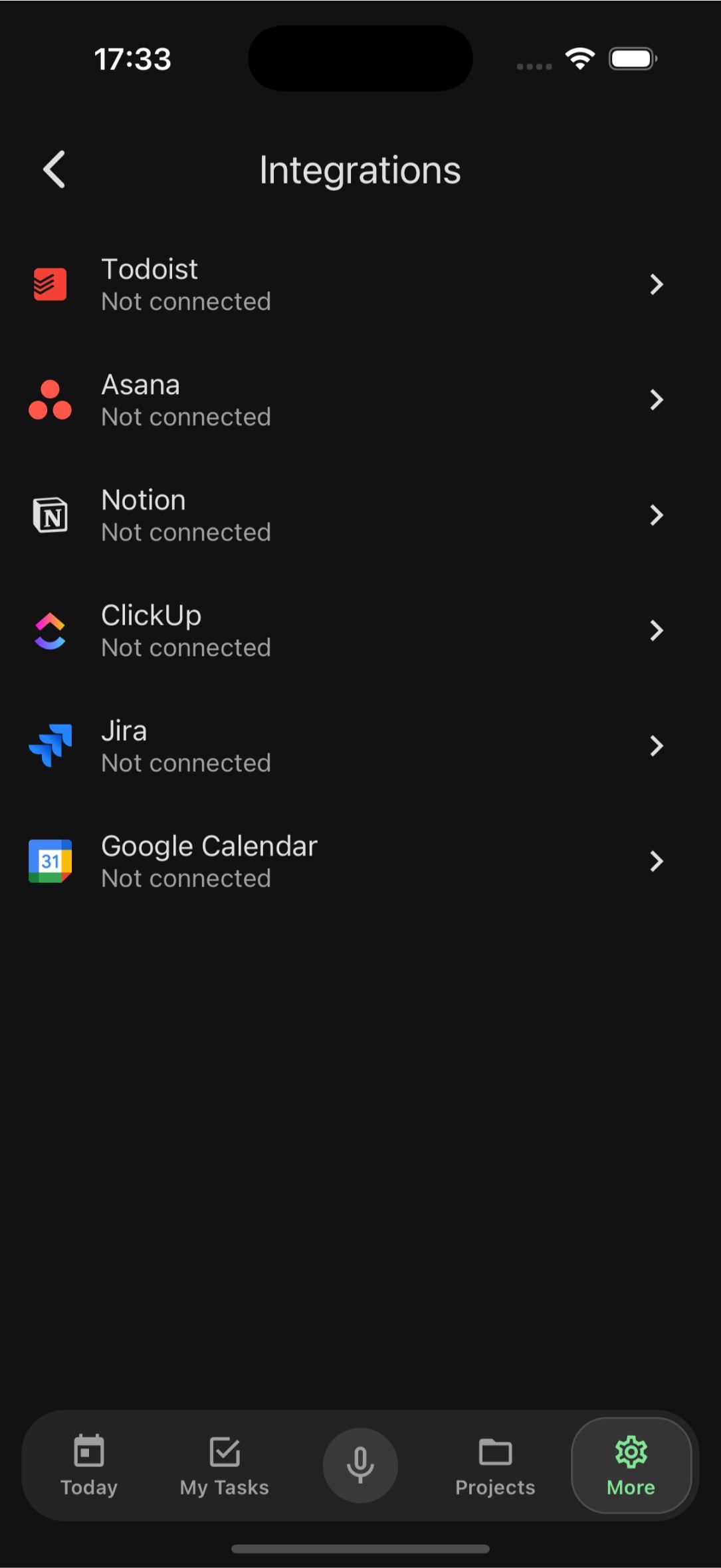
Import from Anywhere
Migrate your tasks from Todoist, Asana, Notion, ClickUp, Jira, and Google Calendar. Switch to FocusBox without losing anything.
Offline Mode
Full offline support means you can view, create, and edit tasks without internet. Everything syncs automatically when you reconnect.
Your data, your way
Security & Personalization
Biometric Security
Protect your tasks with Face ID or Touch ID. Sign in securely with Apple and keep your data private with biometric authentication.
Dark Mode
A beautiful dark theme that is easy on your eyes. Automatically adapts to your system settings or set it manually.
Smart Notifications
Get reminded about upcoming tasks and deadlines at the right time. Customizable notification settings so you stay informed, not overwhelmed.
자주 묻는 질문
FocusBox 앱은 무료로 다운로드할 수 있나요?
네! FocusBox는 무료로 다운로드하고 사용할 수 있습니다. 무료 플랜에는 프로젝트 1개, 완료 작업 1개, AI 크레딧 1개가 포함됩니다. 선택적 Pro 플랜에서는 무제한 프로젝트, 고급 AI 기능 등이 제공됩니다. Pro는 카드를 등록하면 3일간 무료이고, 이후 월 $8 또는 연 $60입니다.
FocusBox는 어떤 기기를 지원하나요?
FocusBox는 iOS 16 이상을 실행하는 iPhone 및 iPad에서 사용할 수 있습니다. 데스크톱 브라우저용 웹 버전도 focusbox.io에서 이용 가능합니다.
웹 앱과 모바일 앱 간에 작업을 동기화할 수 있나요?
네! FocusBox 웹 앱과 모바일 앱 간에 작업이 자동으로 동기화됩니다. 한 플랫폼에서 변경한 내용이 다른 플랫폼에 즉시 반영됩니다.
FocusBox는 오프라인에서 작동하나요?
네, FocusBox는 완전한 오프라인 지원을 제공합니다. 인터넷 연결 없이도 작업을 보고, 생성하고, 편집할 수 있습니다. 온라인에 다시 연결되면 변경 사항이 자동으로 동기화됩니다.
다른 앱에서 작업을 가져올 수 있나요?
네! FocusBox는 Todoist, Asana, Notion, ClickUp, Jira, Google Calendar에서 작업 가져오기를 지원합니다. 몇 번의 탭으로 기존 워크플로를 마이그레이션할 수 있습니다.
제 데이터는 안전한가요?
물론입니다. FocusBox는 생체 인증(Face ID / Touch ID)을 사용하여 데이터를 보호합니다. 모든 데이터는 전송 중과 저장 시 암호화됩니다.
앱은 어떤 언어를 지원하나요?
FocusBox는 영어, 스페인어, 프랑스어, 독일어, 이탈리아어, 포르투갈어, 네덜란드어, 루마니아어, 터키어, 덴마크어, 그리스어, 러시아어 등 24개 이상의 언어를 지원합니다.
AI 작업 생성은 어떻게 작동하나요?
프로젝트나 목표를 설명하기만 하면 FocusBox AI가 자동으로 구조화된 하위 작업 목록을 생성합니다. 그런 다음 필요에 따라 맞춤 설정하고, 순서를 변경하고, 일정을 잡을 수 있습니다.