Get more done.
Wherever you are.
Plan your day with AI, stay focused with timers and ambient sounds, and manage all your tasks from your iPhone. FocusBox puts your productivity in your pocket.
Smart Task Management
Smart Task Management
Manage your tasks intelligently
Stay on Top of Everything
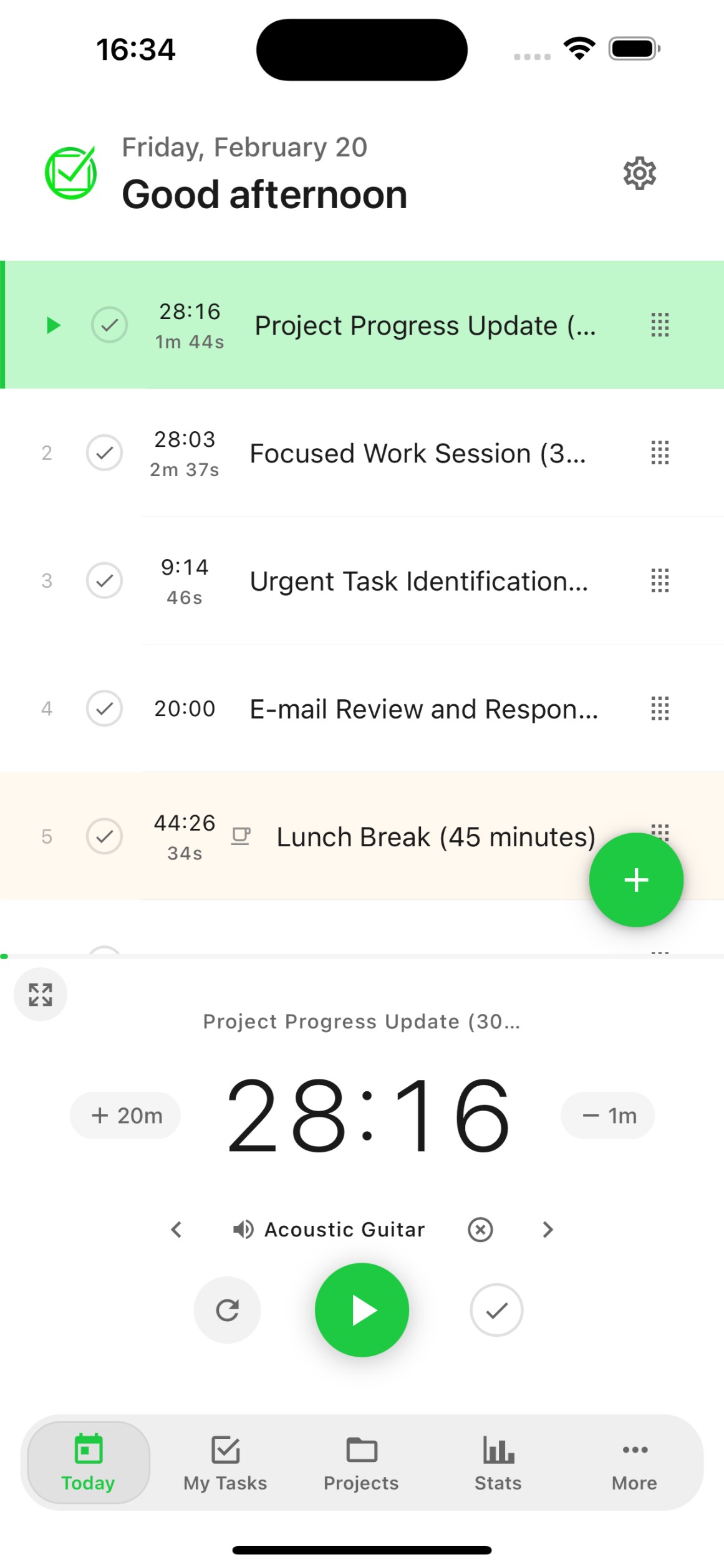
Today View
See exactly what needs to be done today. Your daily tasks, subtasks, and priorities in one clean view designed for quick action.
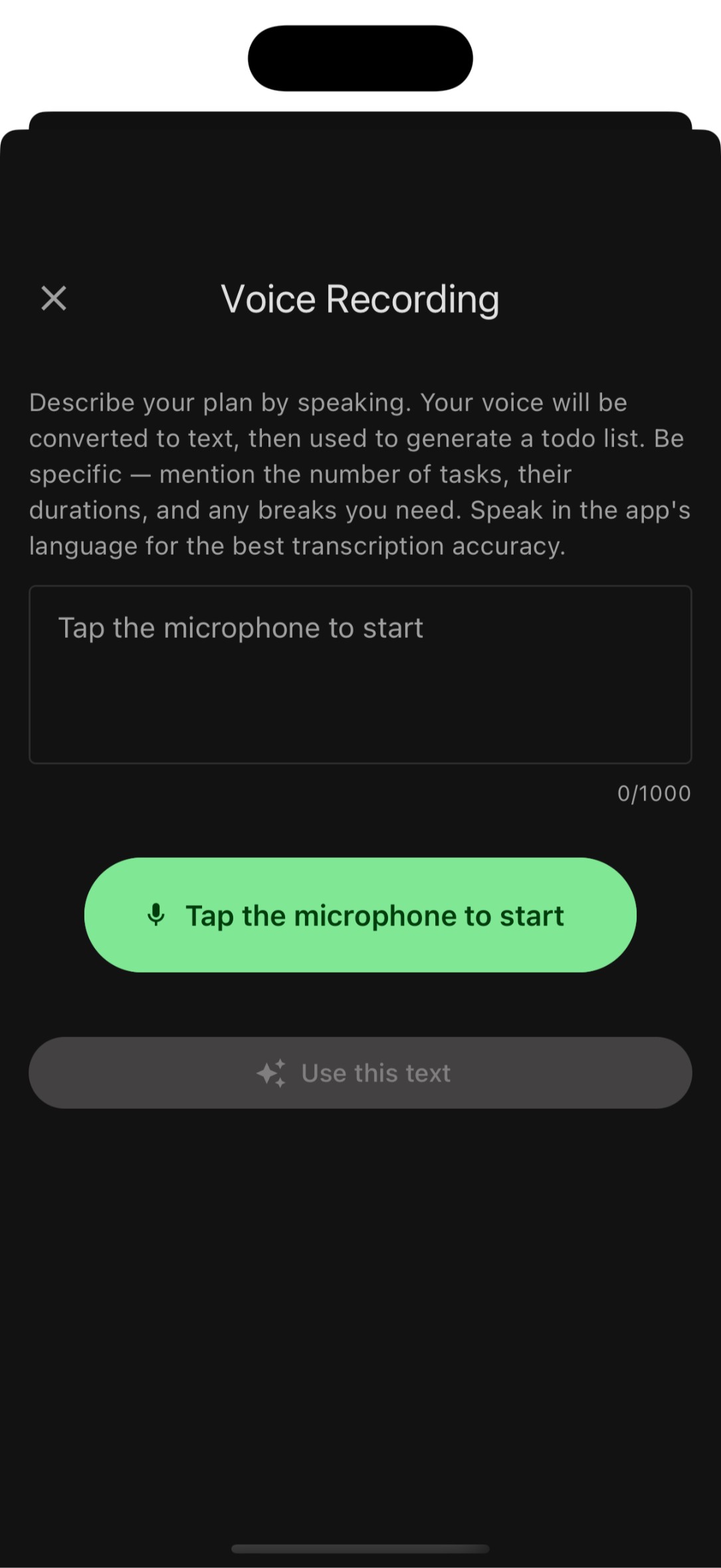
Voice-to-Task
AI voice transcription turns your speech into an organized todo list in seconds. Just speak naturally and FocusBox creates tasks with smart categorization.
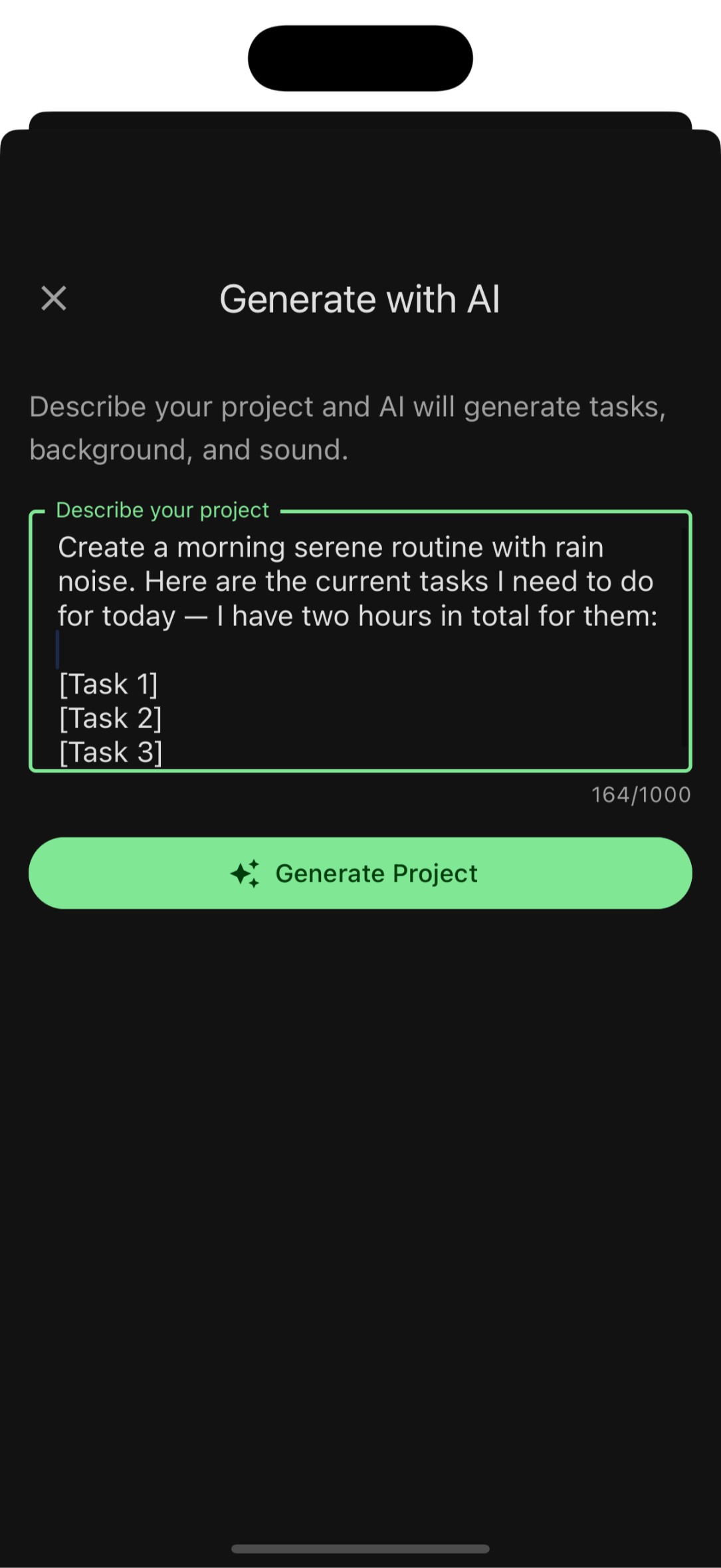
AI Task Generation
Describe your project or goal, and FocusBox AI generates a structured list of subtasks. Plan entire projects in seconds.
Deep focus tools
Focus & Productivity
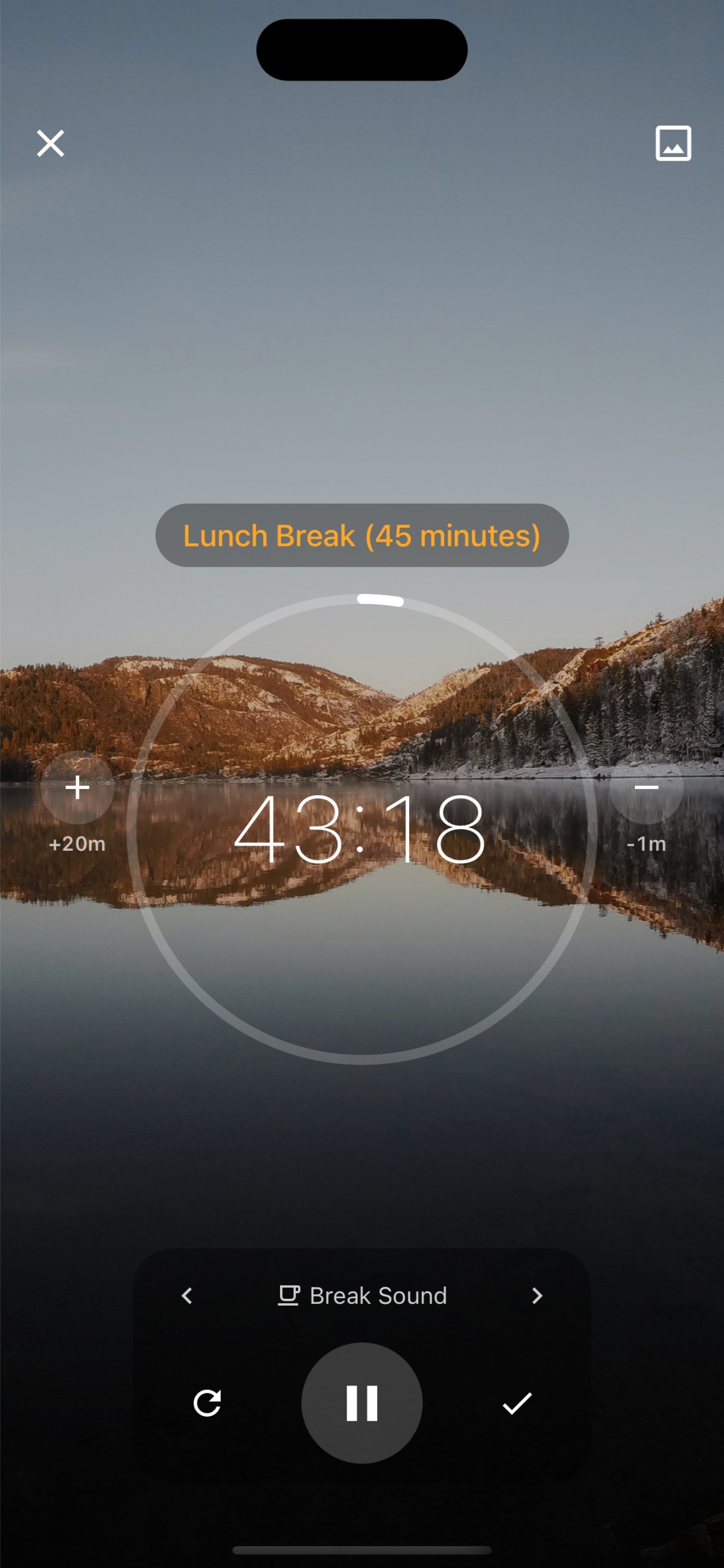
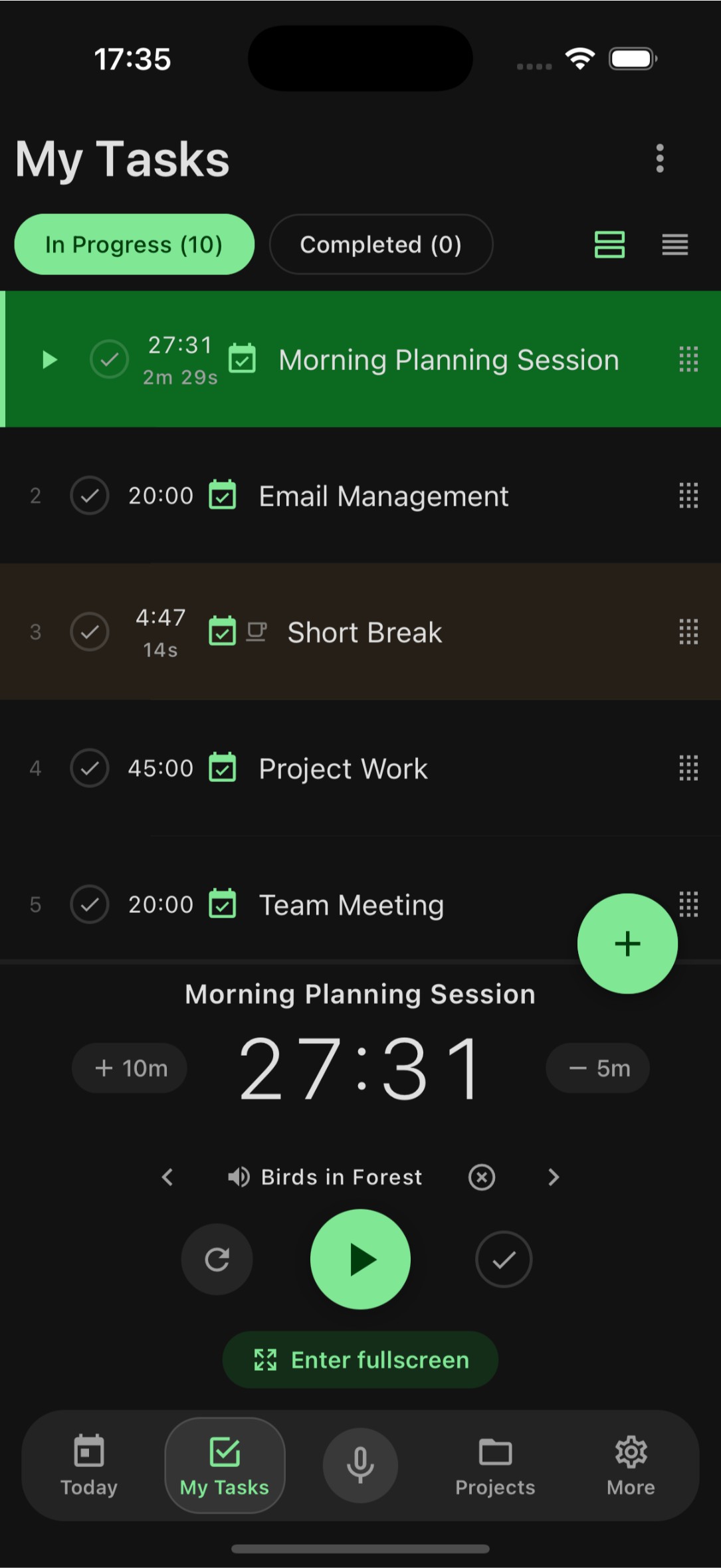
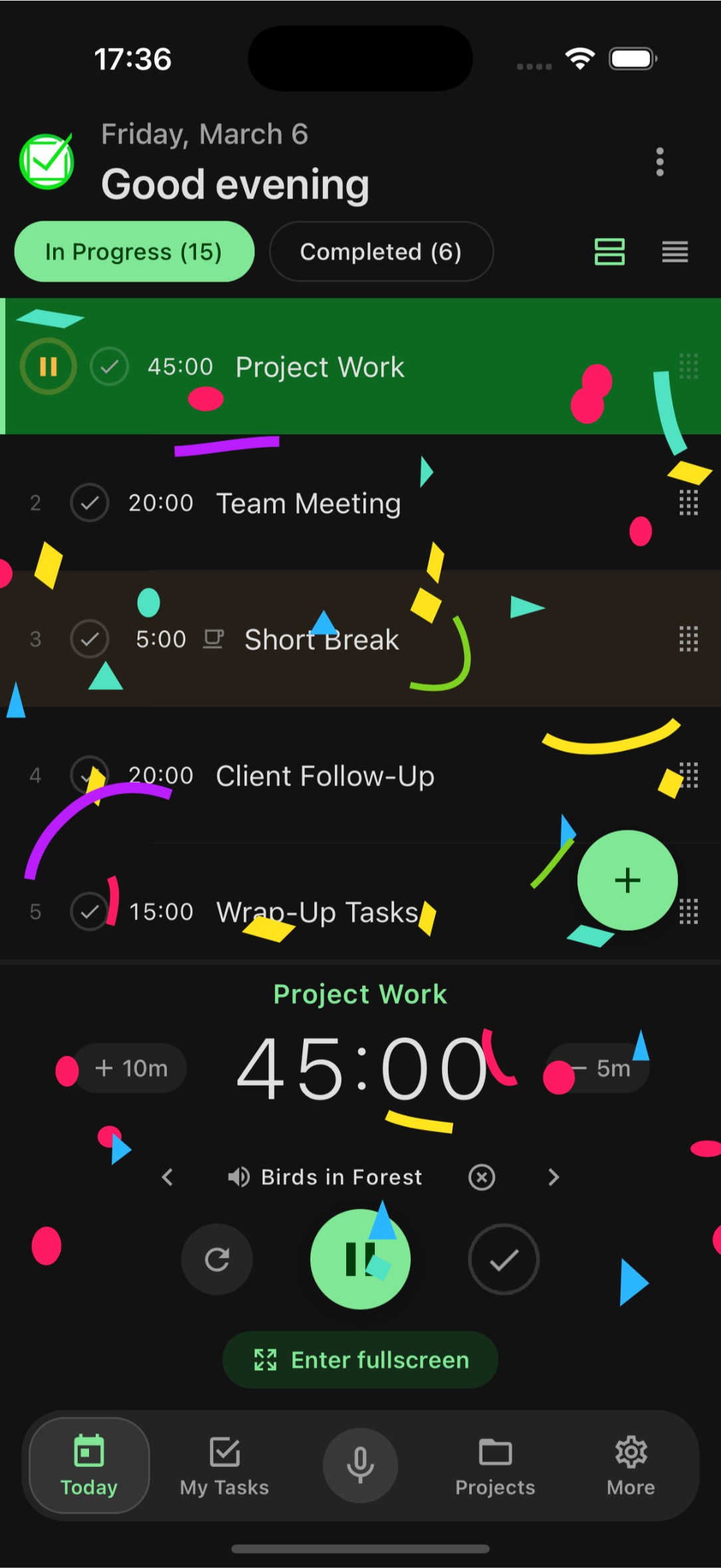
Focus Timer
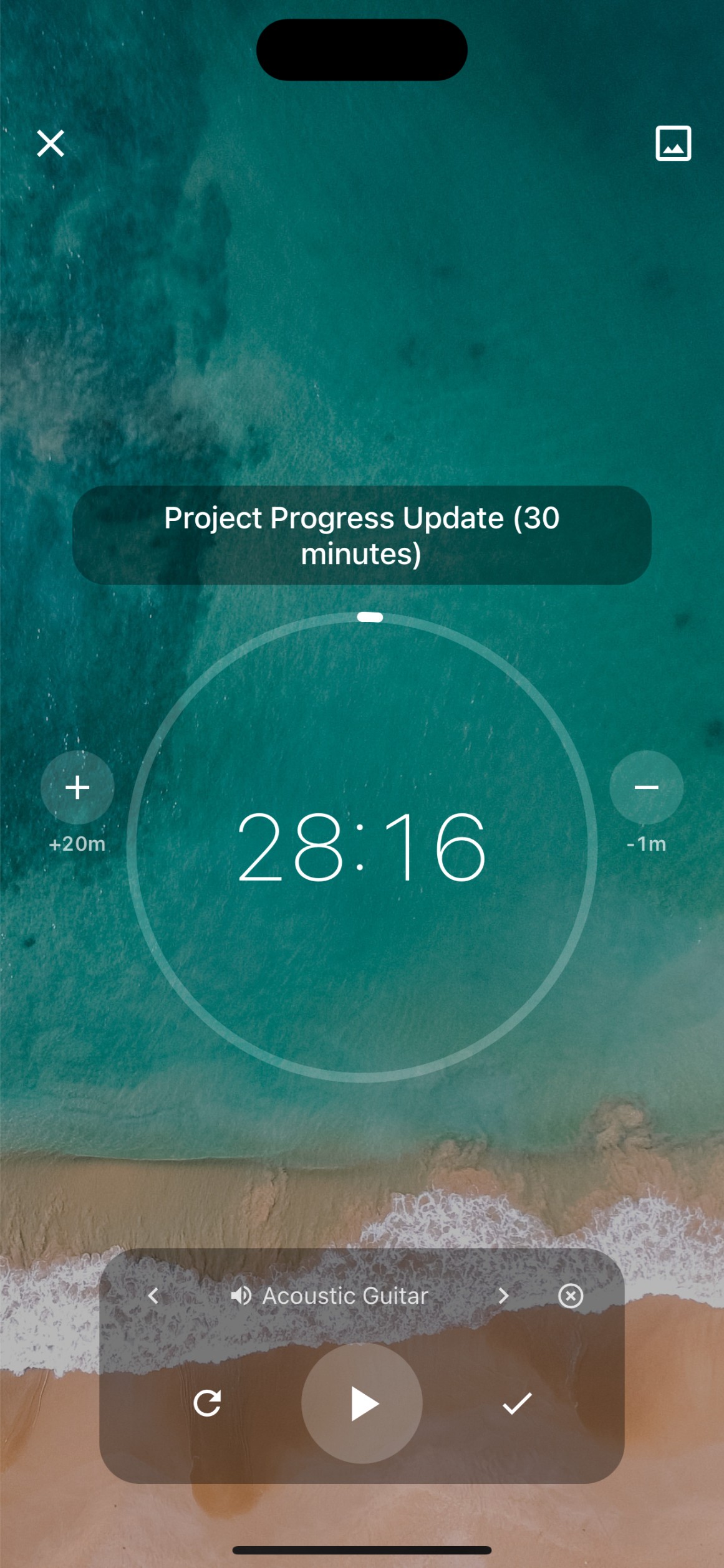
Timebox your tasks with Pomodoro and custom timers. Enter fullscreen focus mode, celebrate completed tasks with fun animations, and build better work habits.
Soundscapes
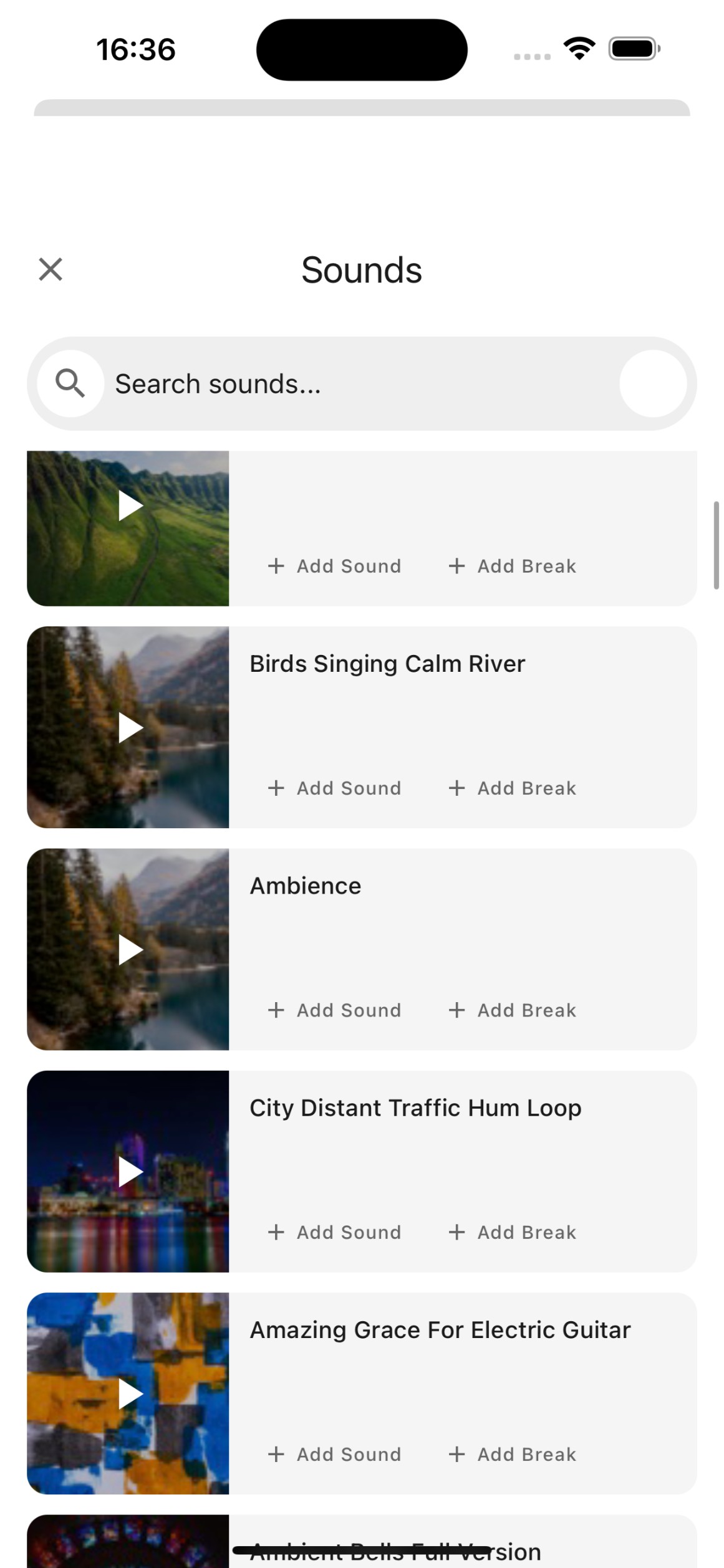
Ambient sounds like rain, forest, coffee shop, and ocean waves help you get into the zone. Choose the perfect soundscape for your focus sessions.
Productivity Analytics
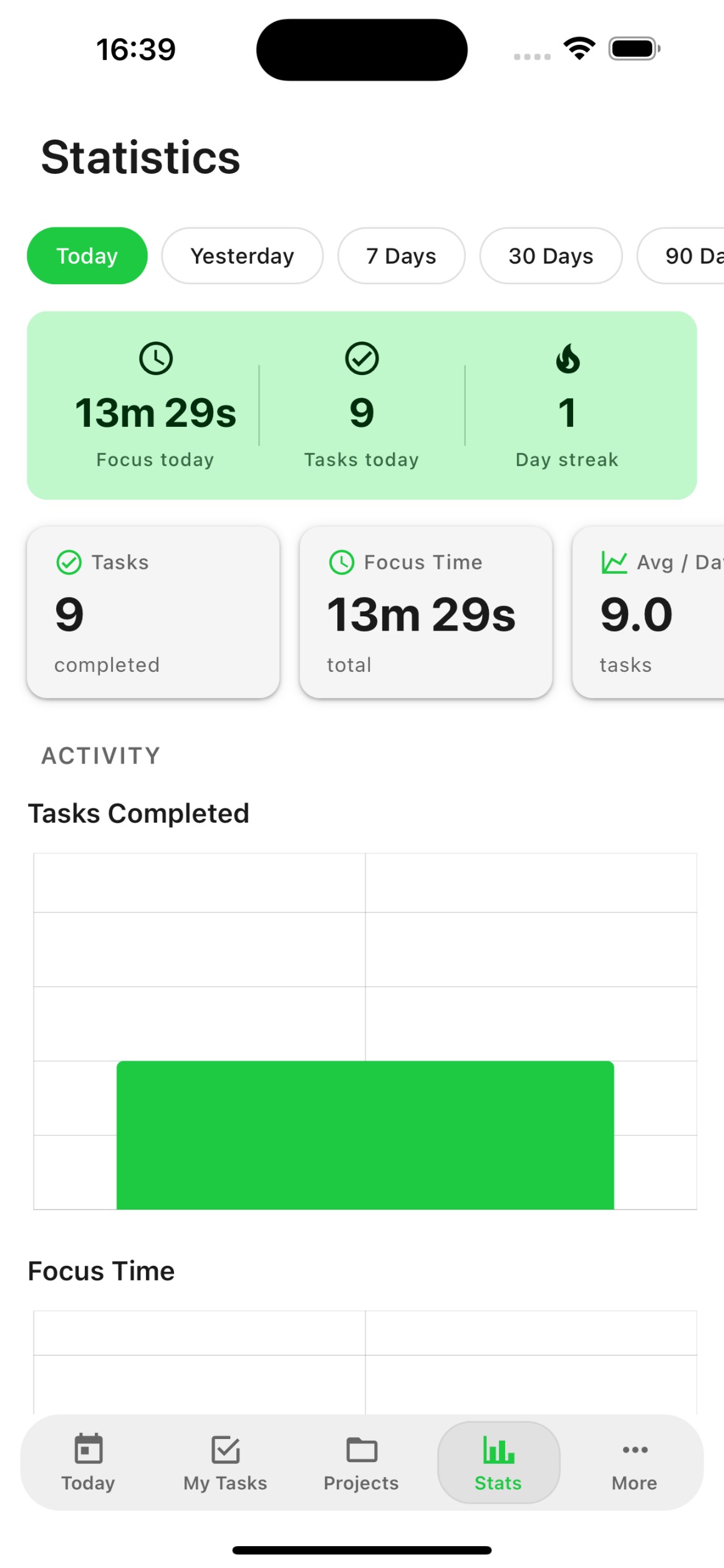
Track your completed tasks, focus time, and productivity trends. Understand your work patterns and optimize your schedule.
Everything connected
Organization & Integrations
Projects & Streams
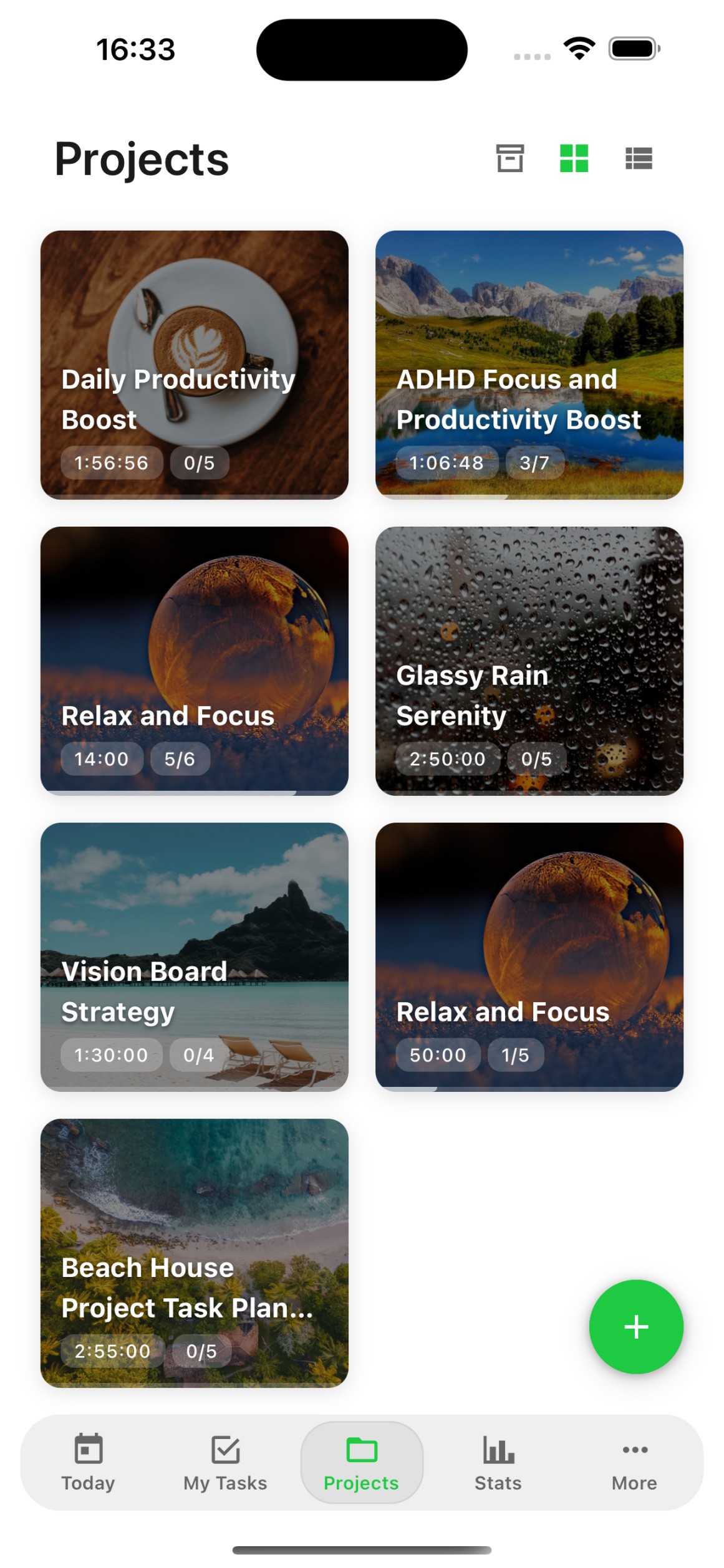
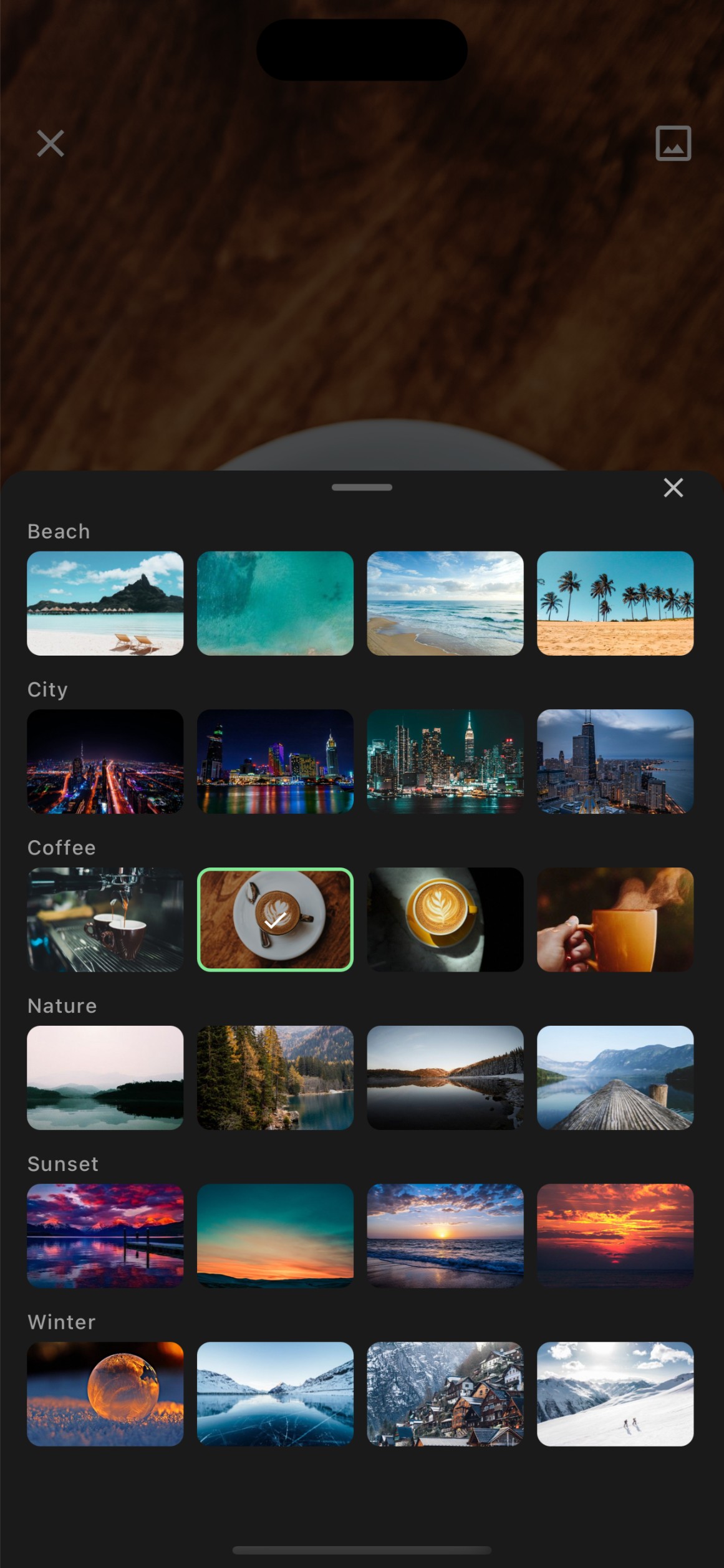
Organize tasks into projects and streams. Keep your work structured with custom categories, backgrounds, and templates.
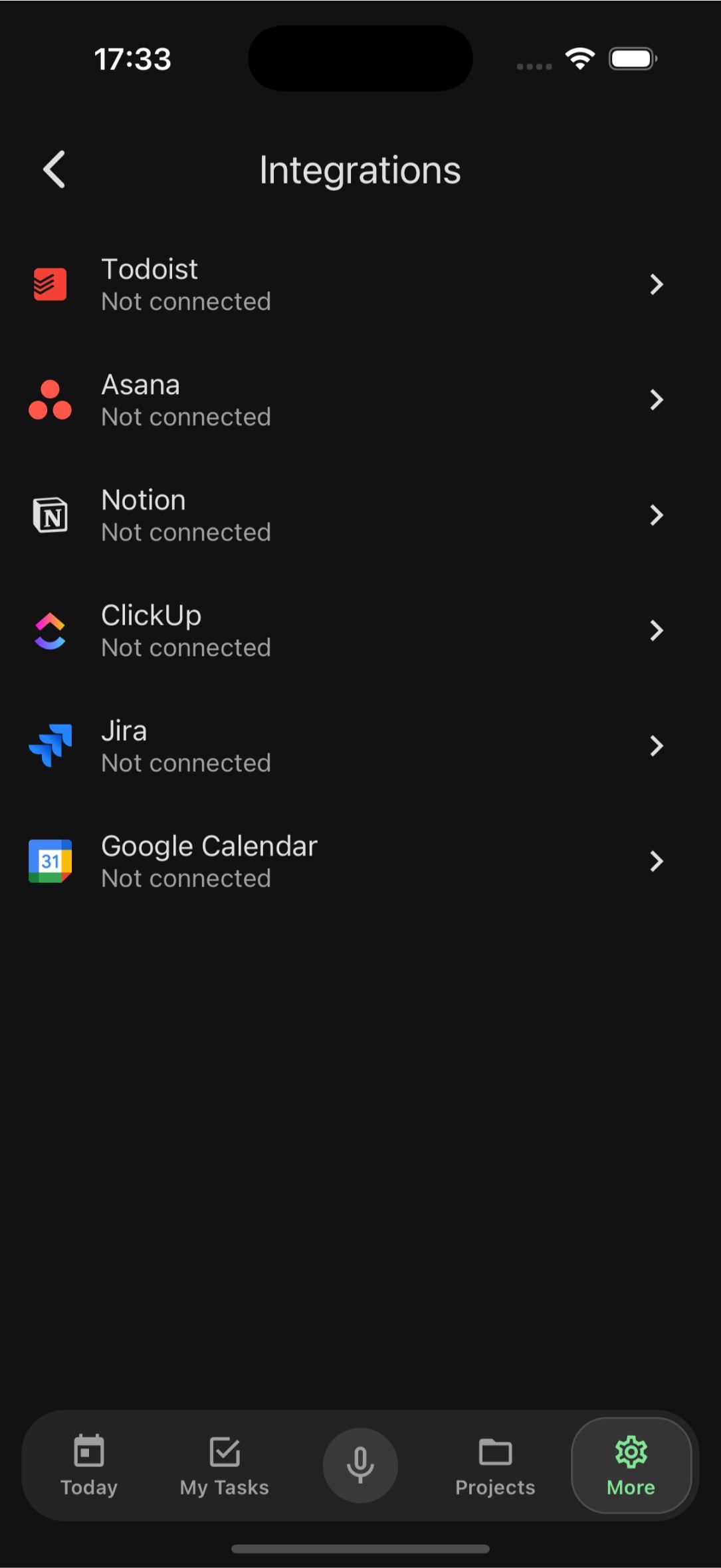
Import from Anywhere
Migrate your tasks from Todoist, Asana, Notion, ClickUp, Jira, and Google Calendar. Switch to FocusBox without losing anything.
Offline Mode
Full offline support means you can view, create, and edit tasks without internet. Everything syncs automatically when you reconnect.
Your data, your way
Security & Personalization
Biometric Security
Protect your tasks with Face ID or Touch ID. Sign in securely with Apple and keep your data private with biometric authentication.
Dark Mode
A beautiful dark theme that is easy on your eyes. Automatically adapts to your system settings or set it manually.
Smart Notifications
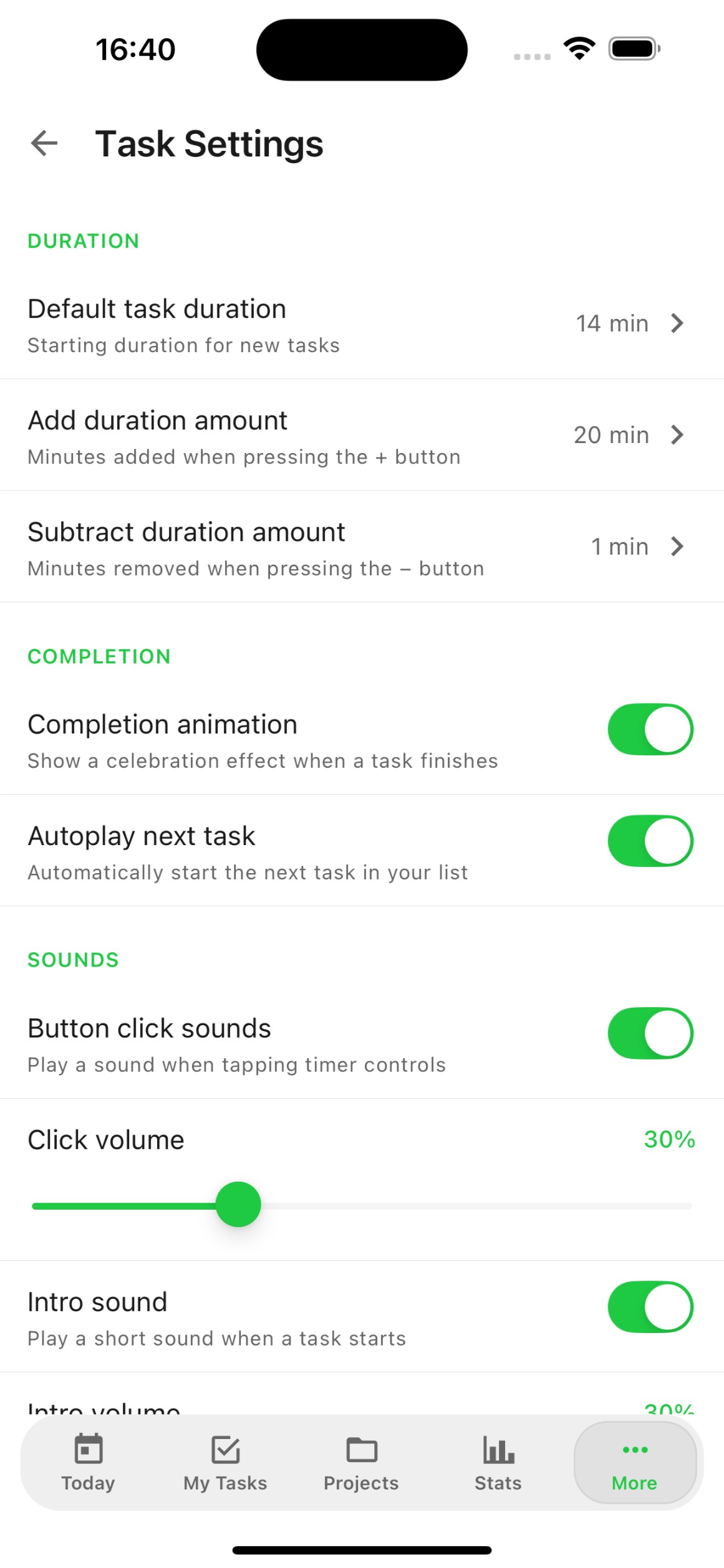
Get reminded about upcoming tasks and deadlines at the right time. Customizable notification settings so you stay informed, not overwhelmed.
Frequently Asked Questions
Is the FocusBox app free to download?
Yes! FocusBox is free to download and use. You can manage up to 5 tasks with the free plan. Optional premium plans (Basic and Pro) unlock unlimited tasks, advanced AI features, and more.
What devices does FocusBox support?
FocusBox is available for iPhone and iPad running iOS 16 or later. A web version is also available at focusbox.io for desktop browsers.
Can I sync my tasks between the web app and mobile app?
Yes! Your tasks sync automatically between the FocusBox web app and mobile app. Any changes you make on one platform are instantly reflected on the other.
Does FocusBox work offline?
Yes, FocusBox has full offline support. You can view, create, and edit tasks without an internet connection. Your changes will automatically sync when you are back online.
Can I import tasks from other apps?
Yes! FocusBox supports importing tasks from Todoist, Asana, Notion, ClickUp, Jira, and Google Calendar. You can migrate your existing workflow in just a few taps.
Is my data secure?
Absolutely. FocusBox uses biometric authentication (Face ID / Touch ID) to protect your data. All data is encrypted in transit and at rest.
What languages does the app support?
FocusBox supports 24+ languages including English, Spanish, French, German, Italian, Portuguese, Dutch, Romanian, Turkish, Danish, Greek, Russian, and many more.
How does the AI task generation work?
Simply describe your project or goal, and FocusBox AI will automatically generate a structured list of subtasks. You can then customize, reorder, and schedule them as needed.